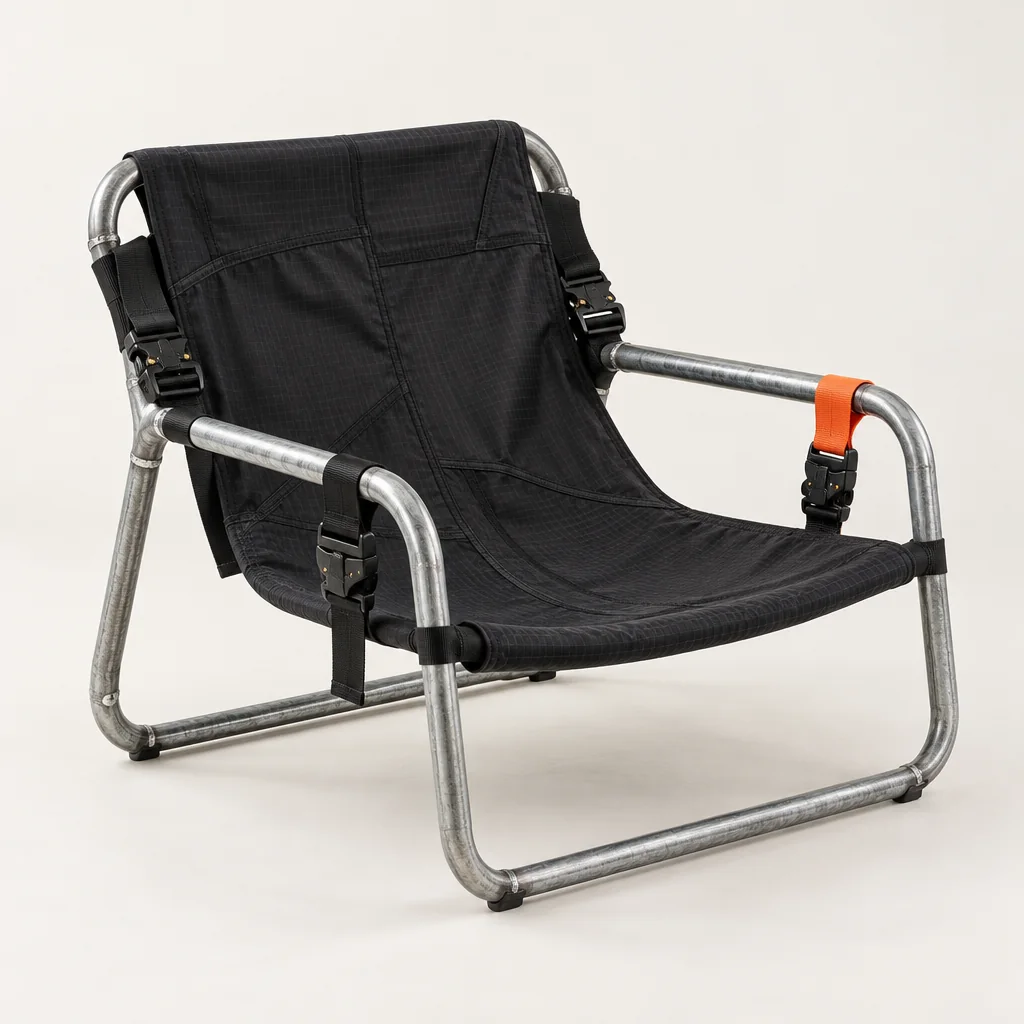
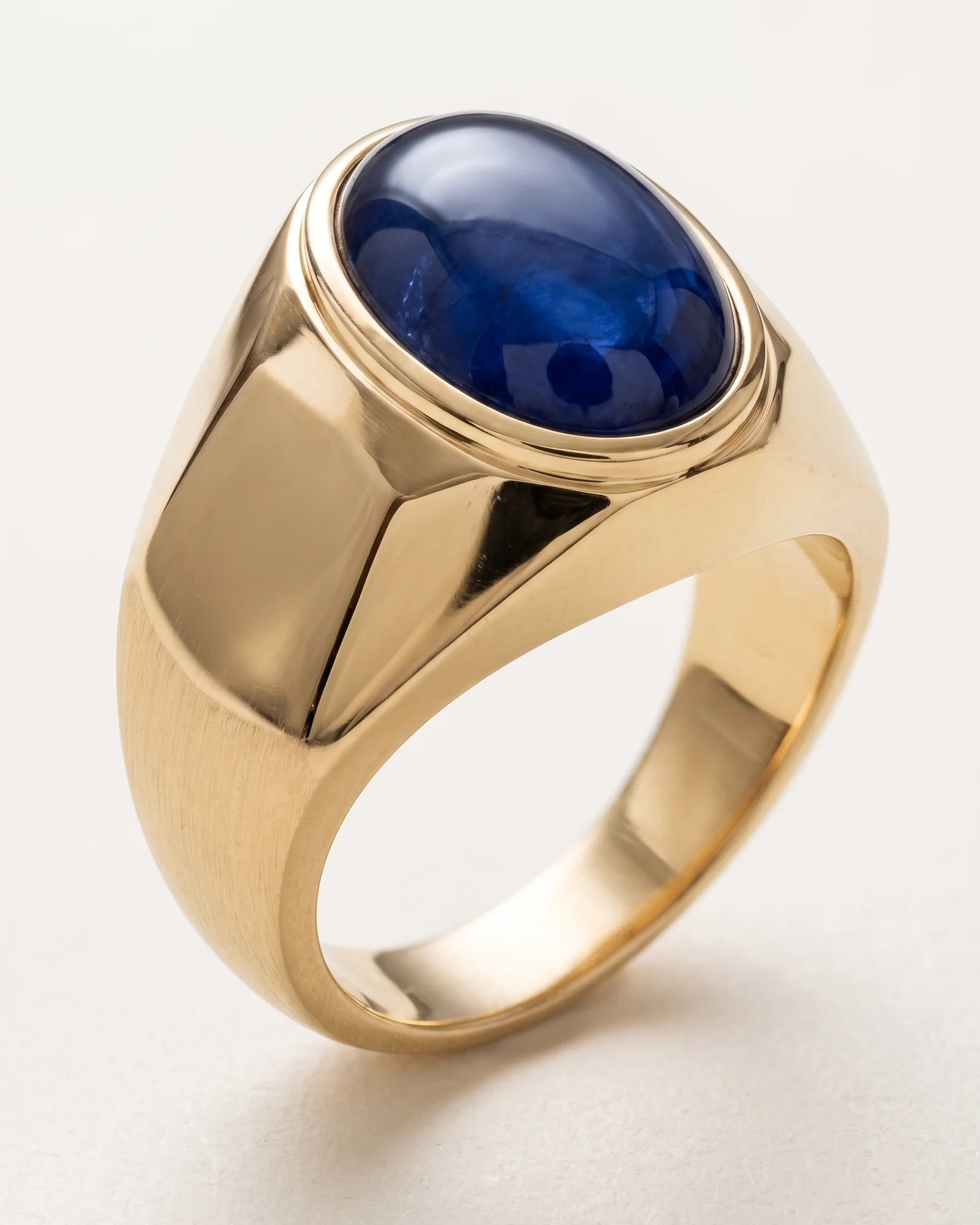
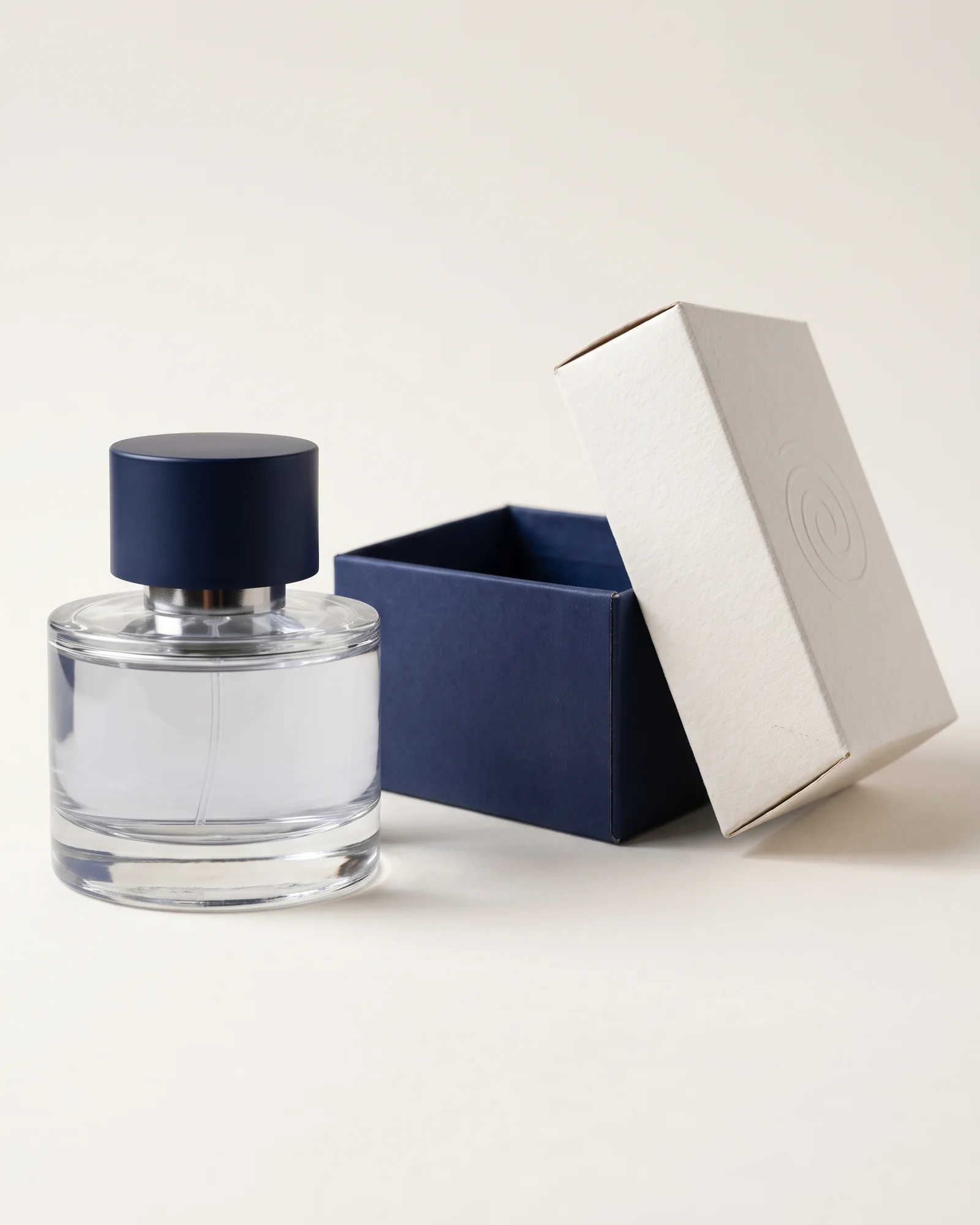
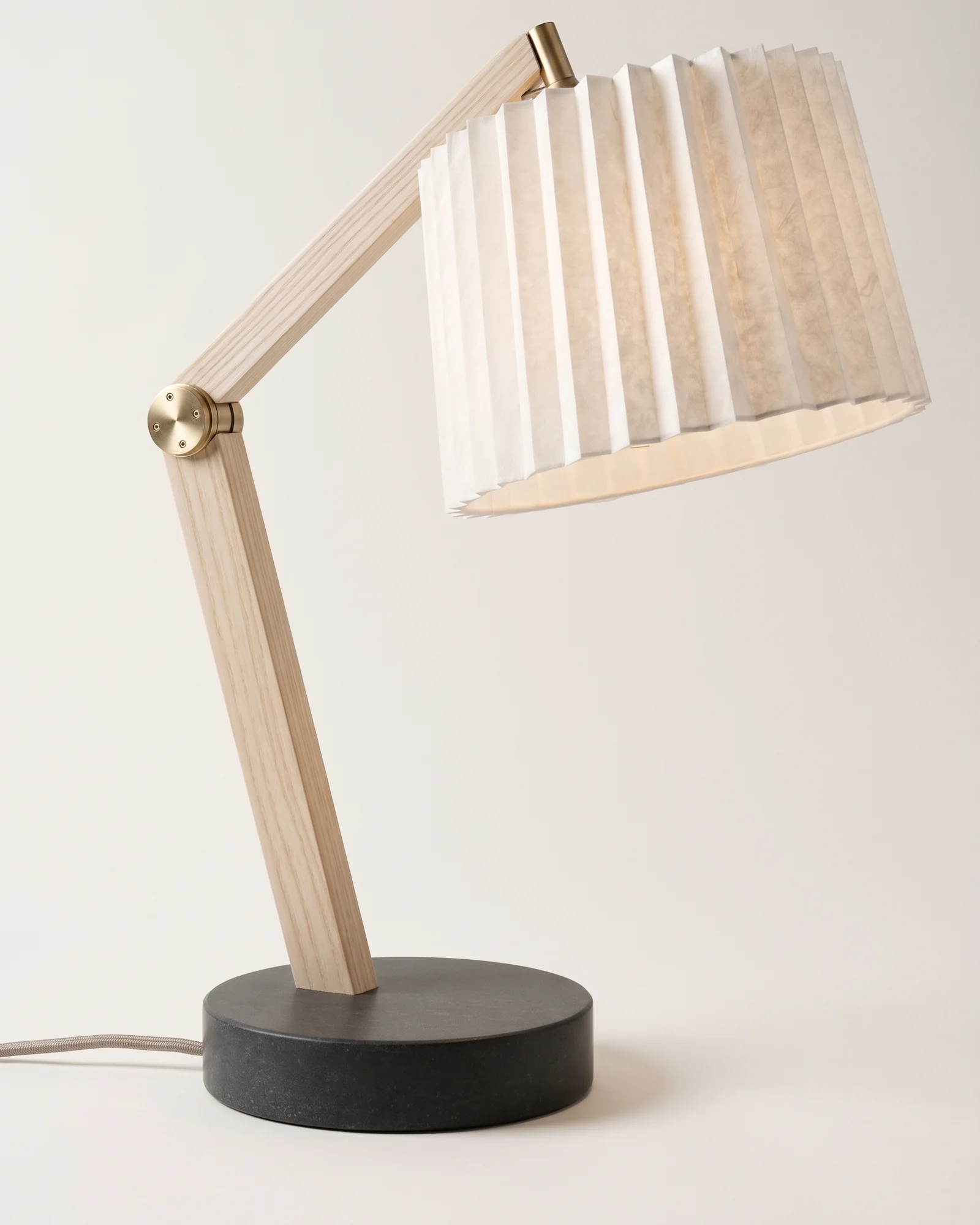


Fashion
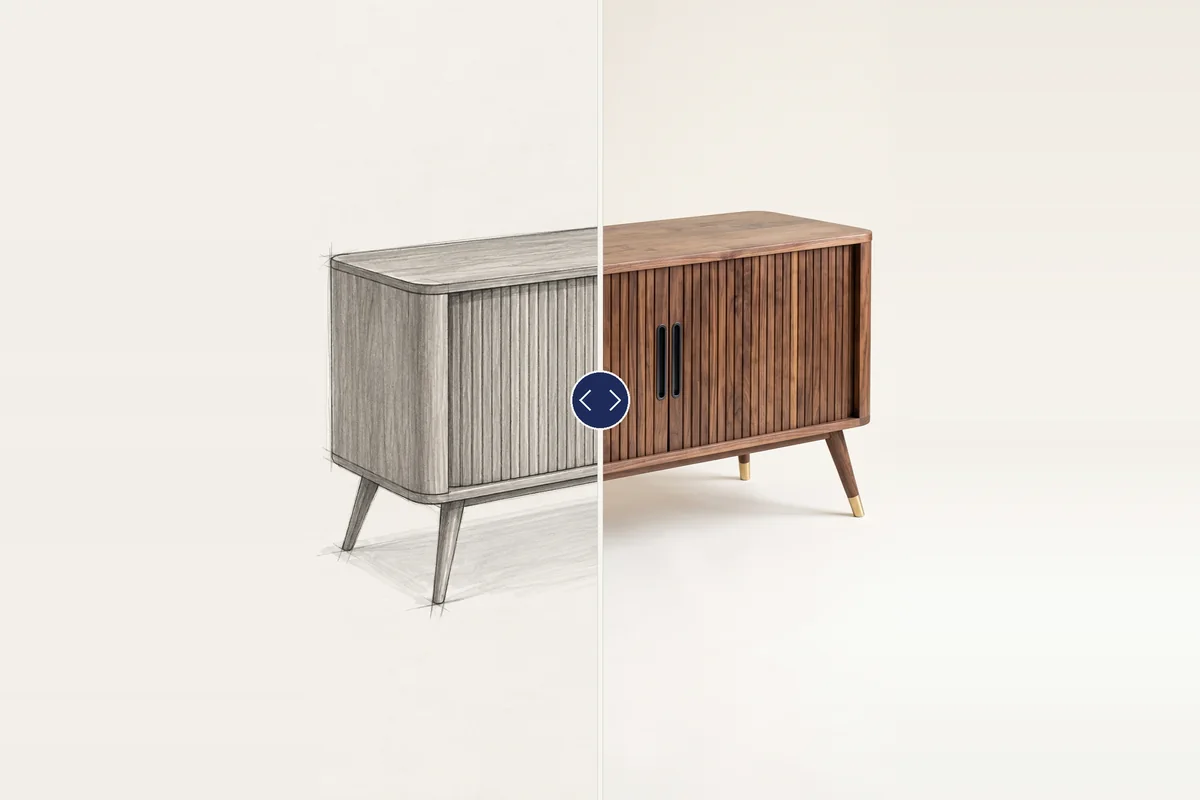
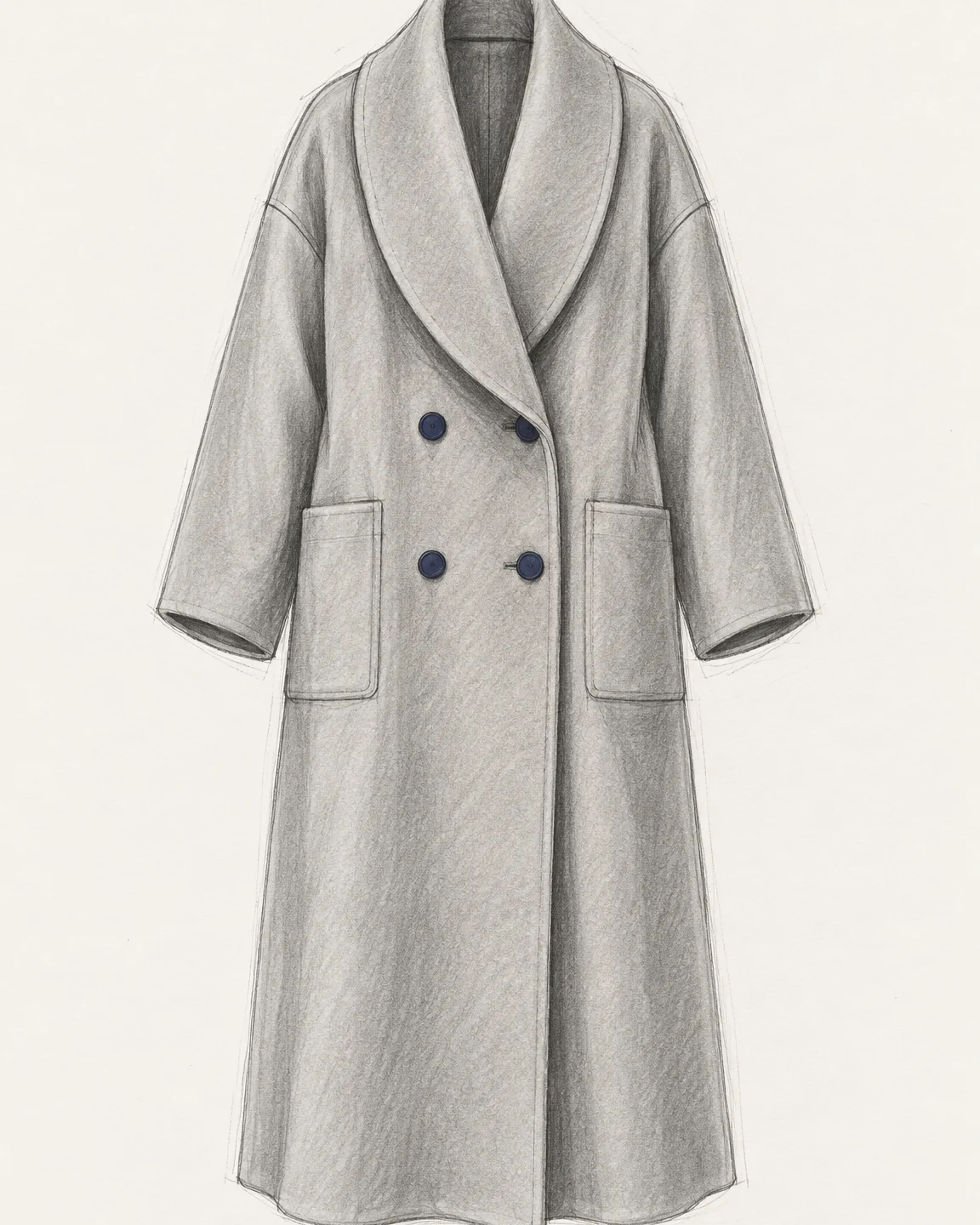
Sketch to render
Your lines stay yours. Drag to compare.
Incip is your second brain: it learns how you design from your own work and choices, so one message is enough.
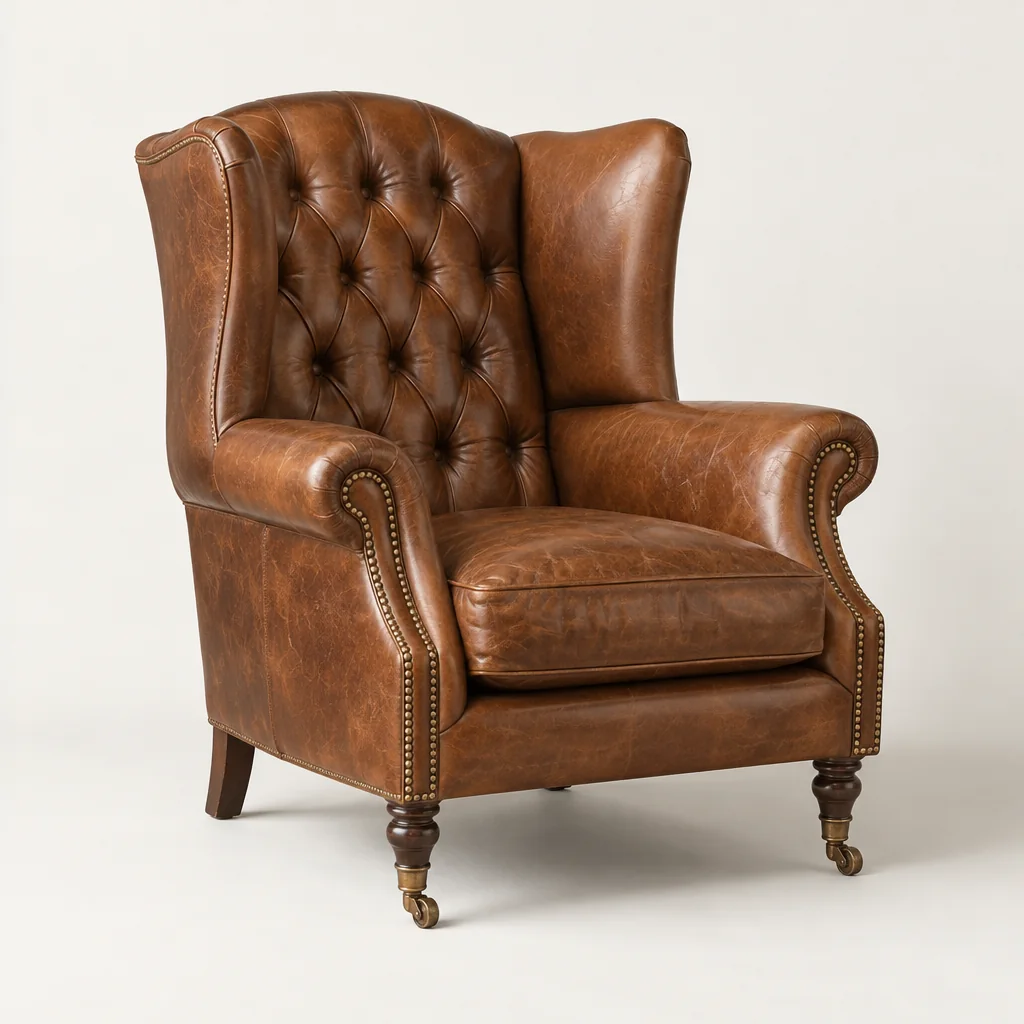
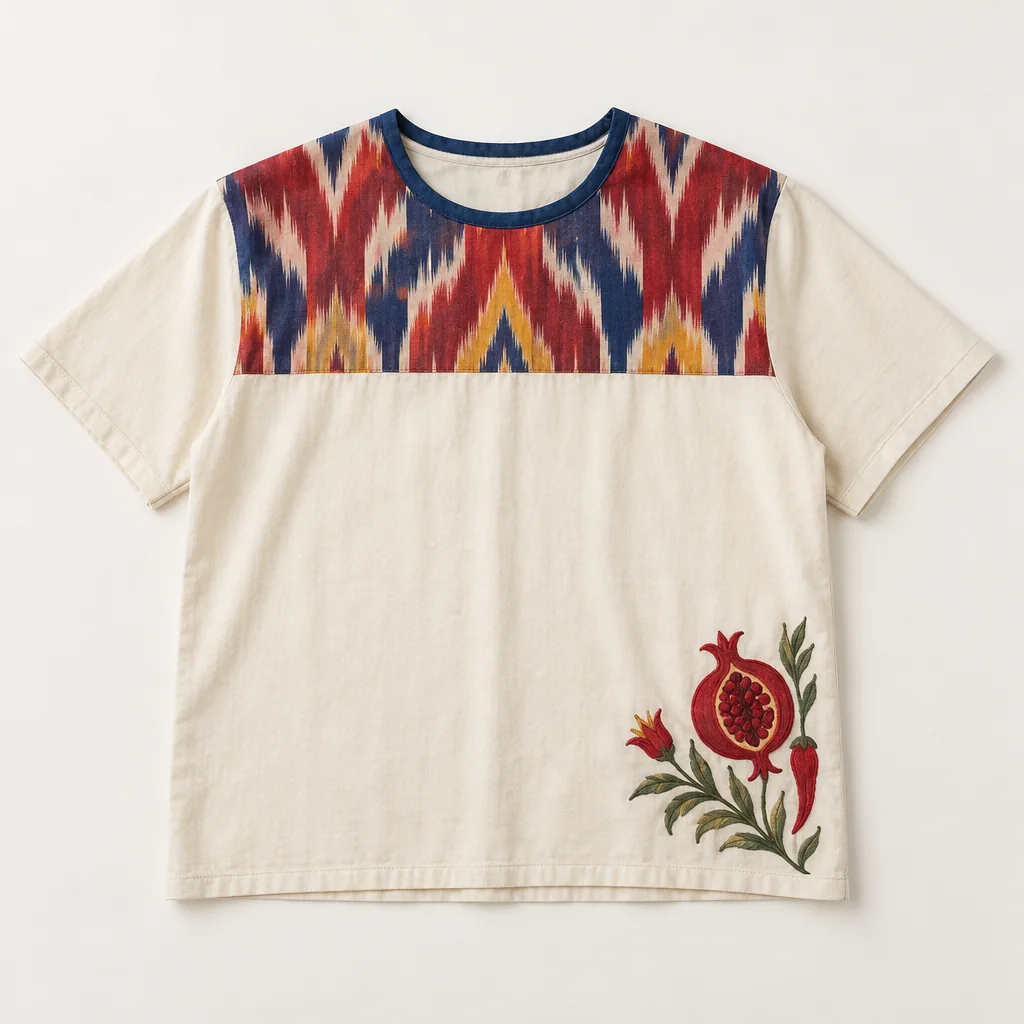
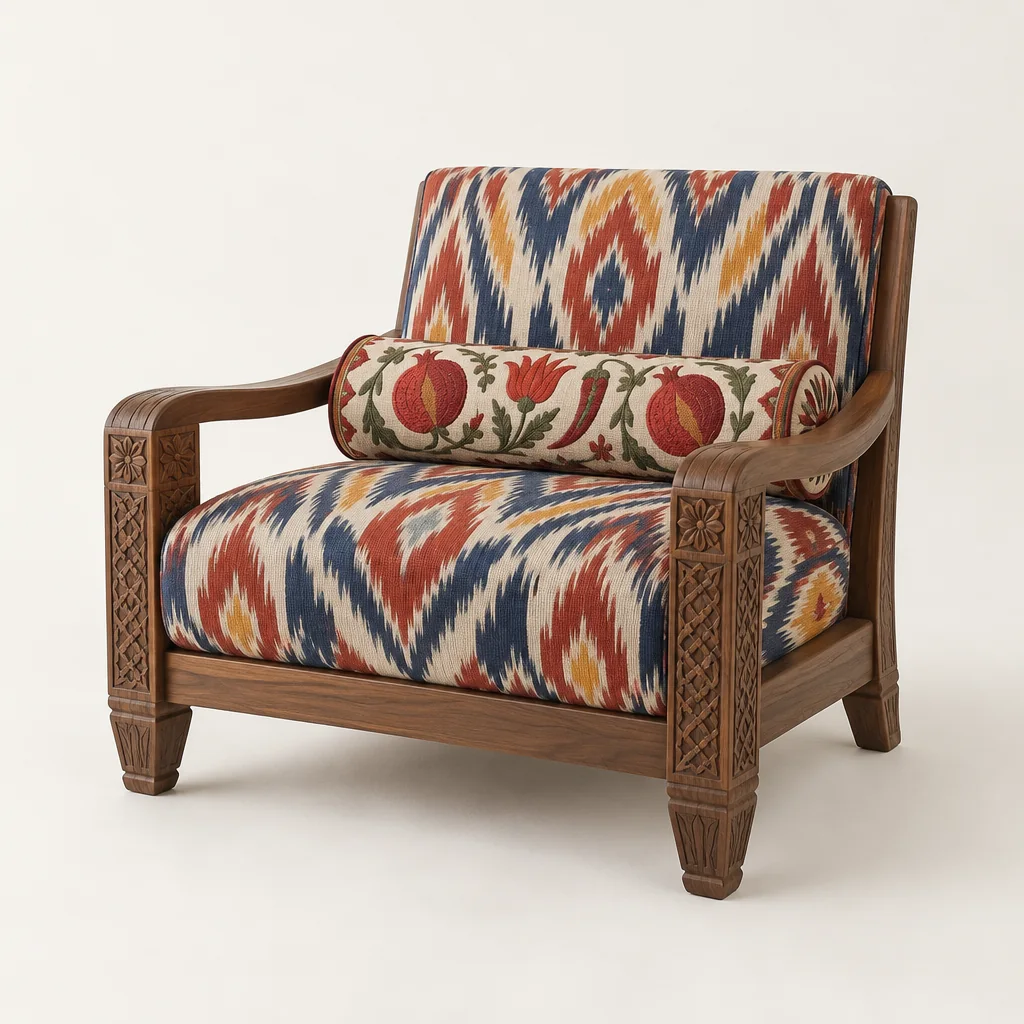
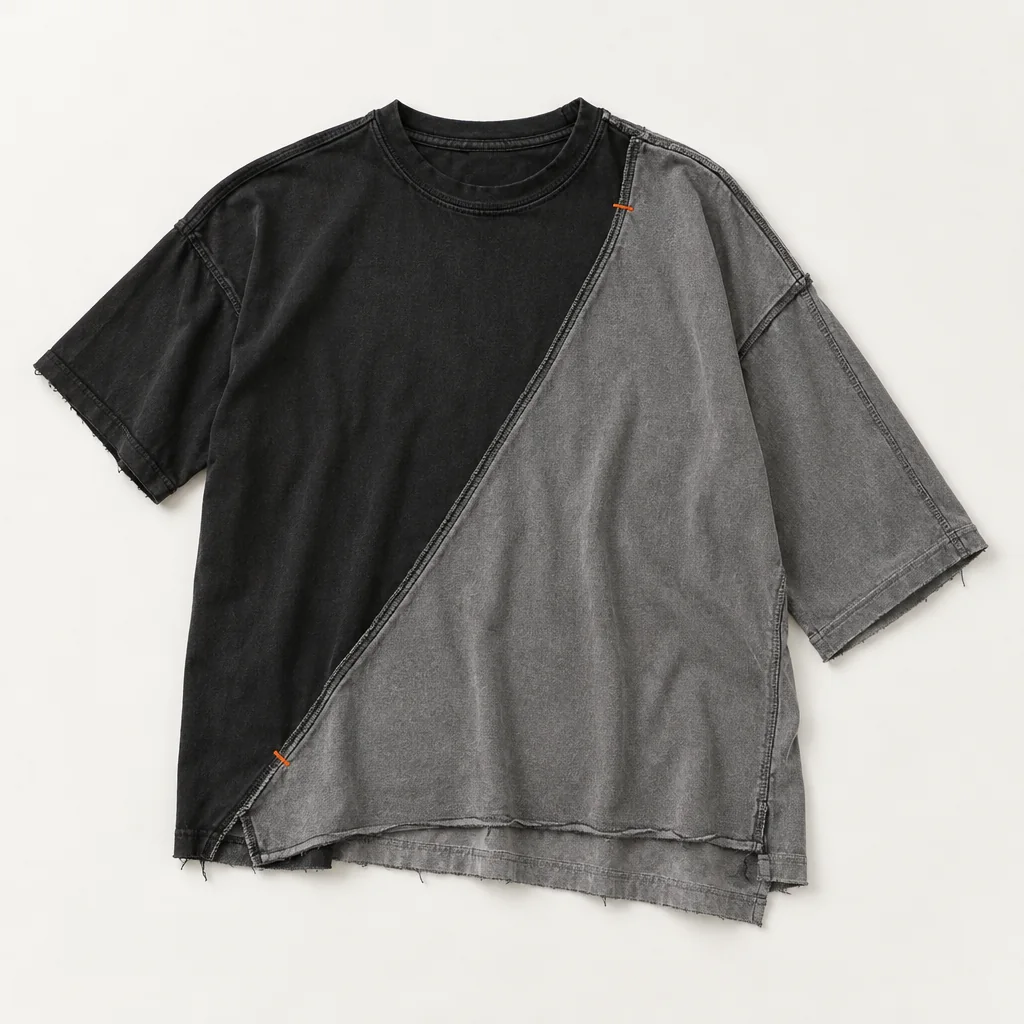
 Yuna SeoModern minimalist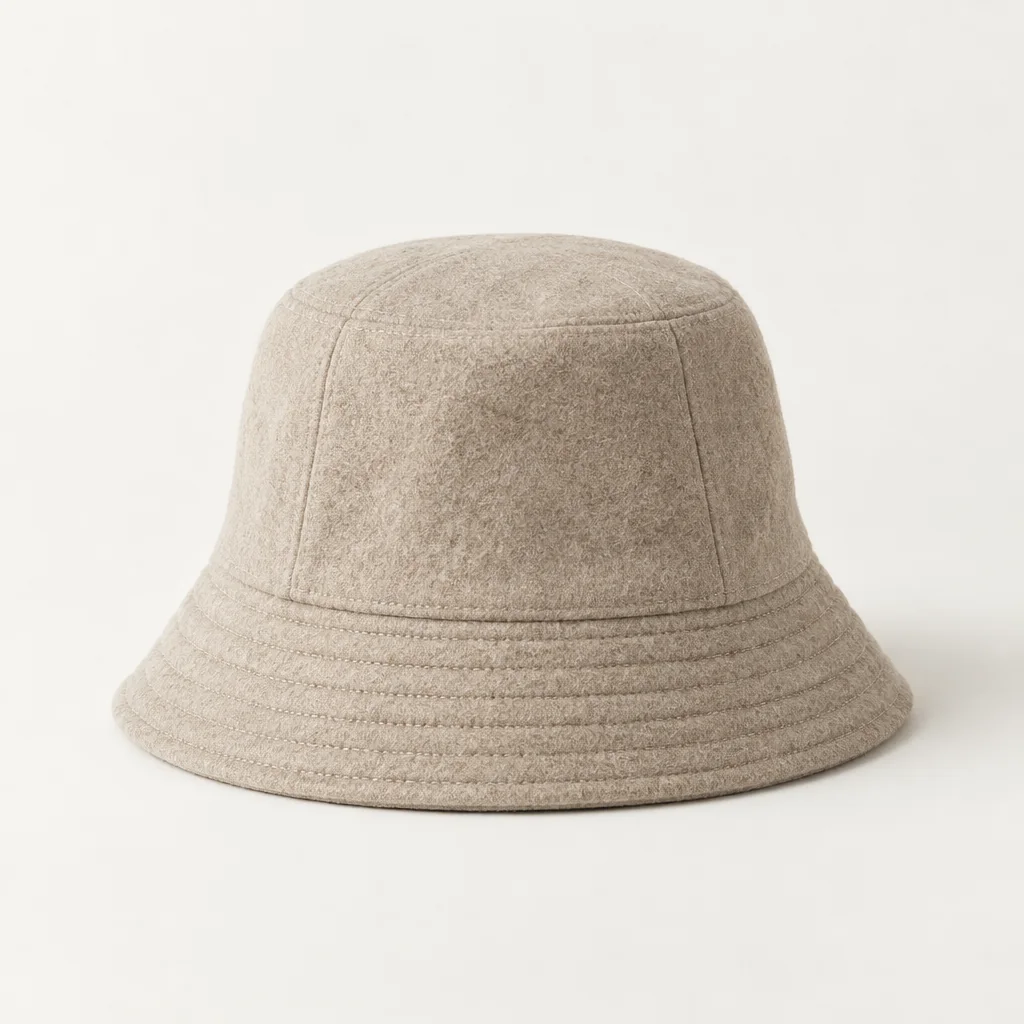
 Samuel Adeyemi-HartSavile Row tailor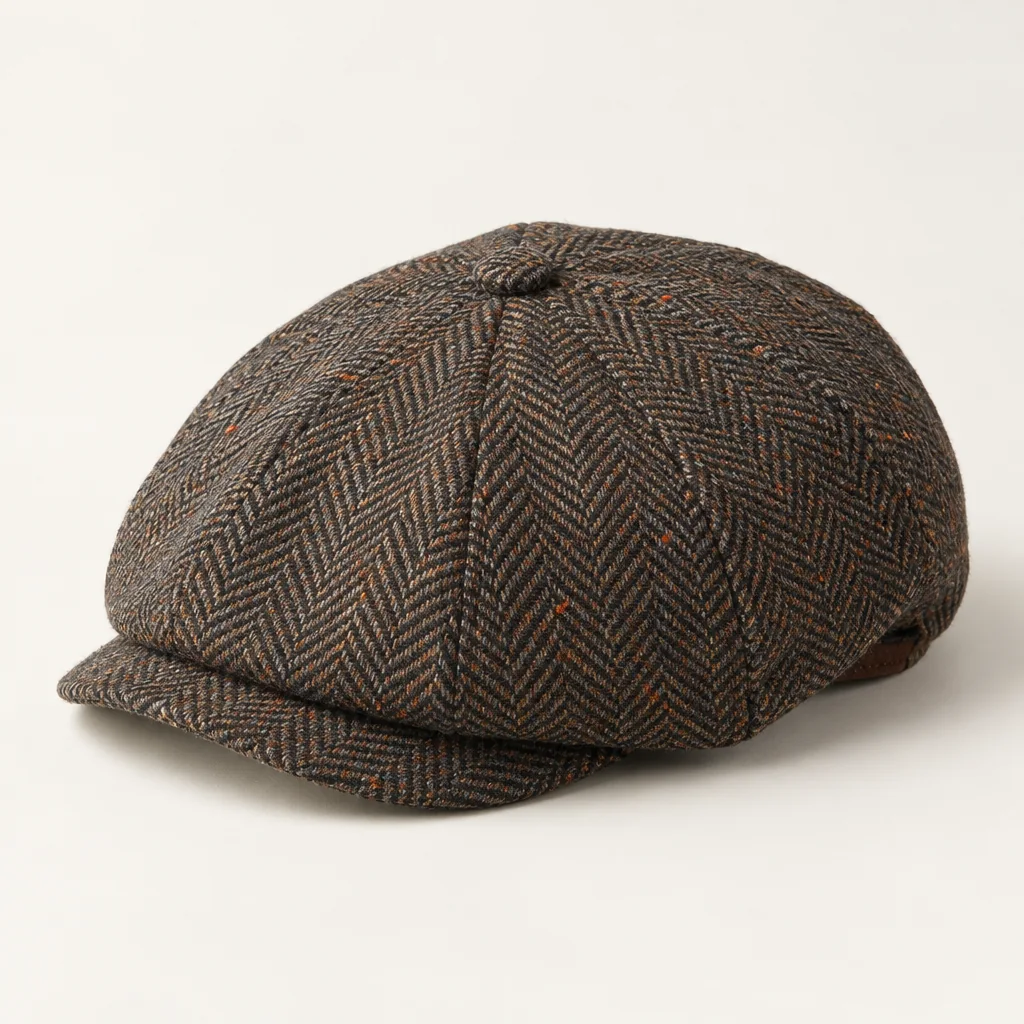
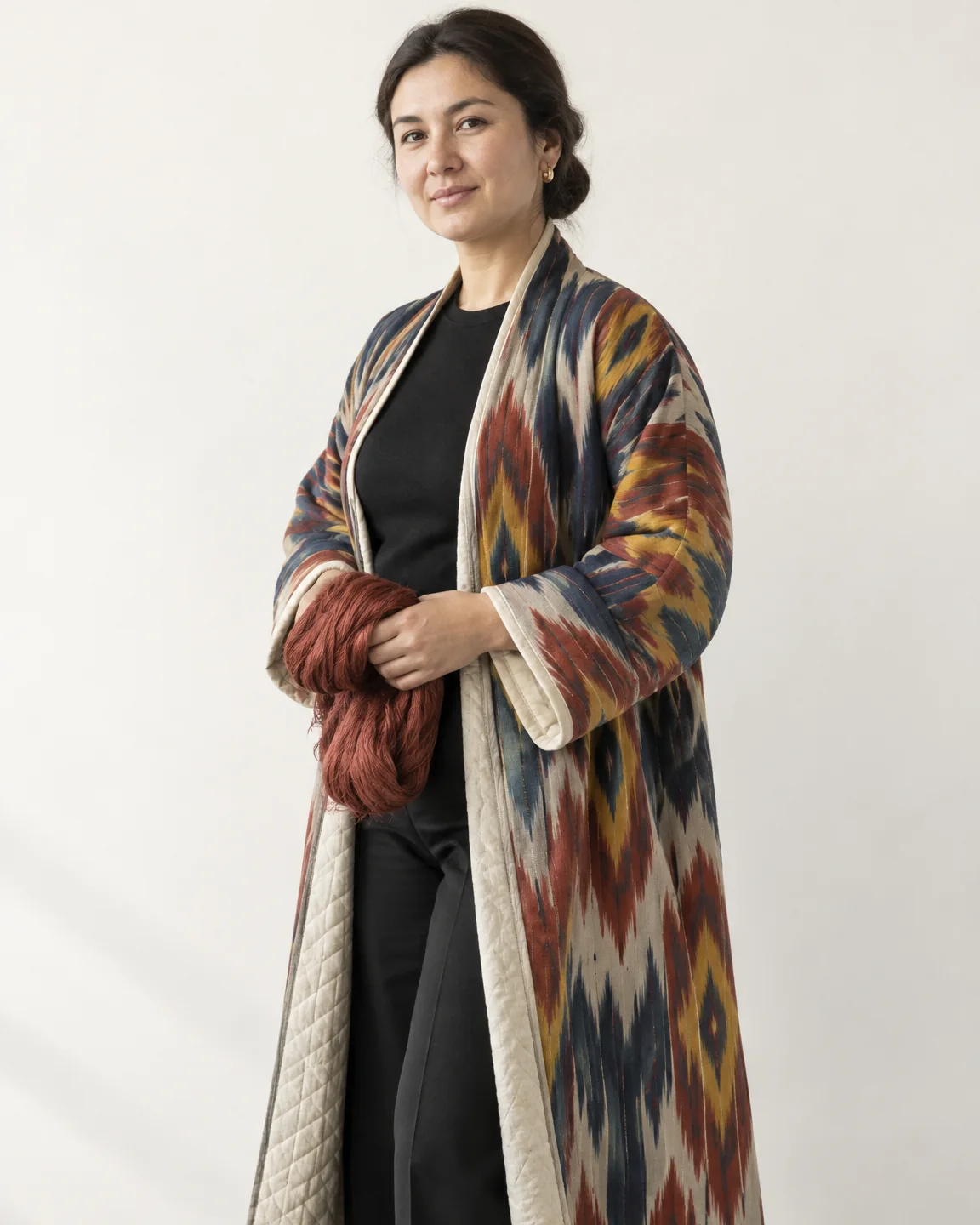 Dilnoza KarimovaUzbek ikat and suzani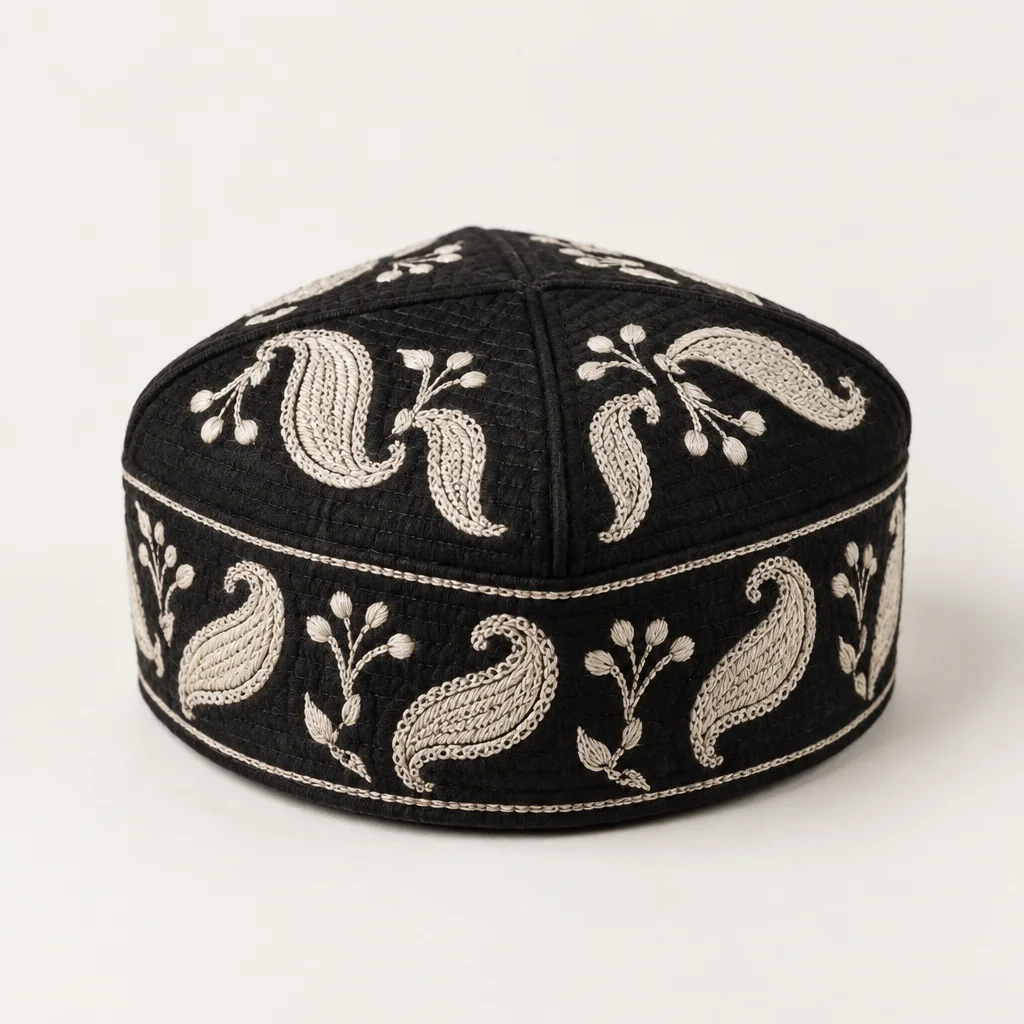
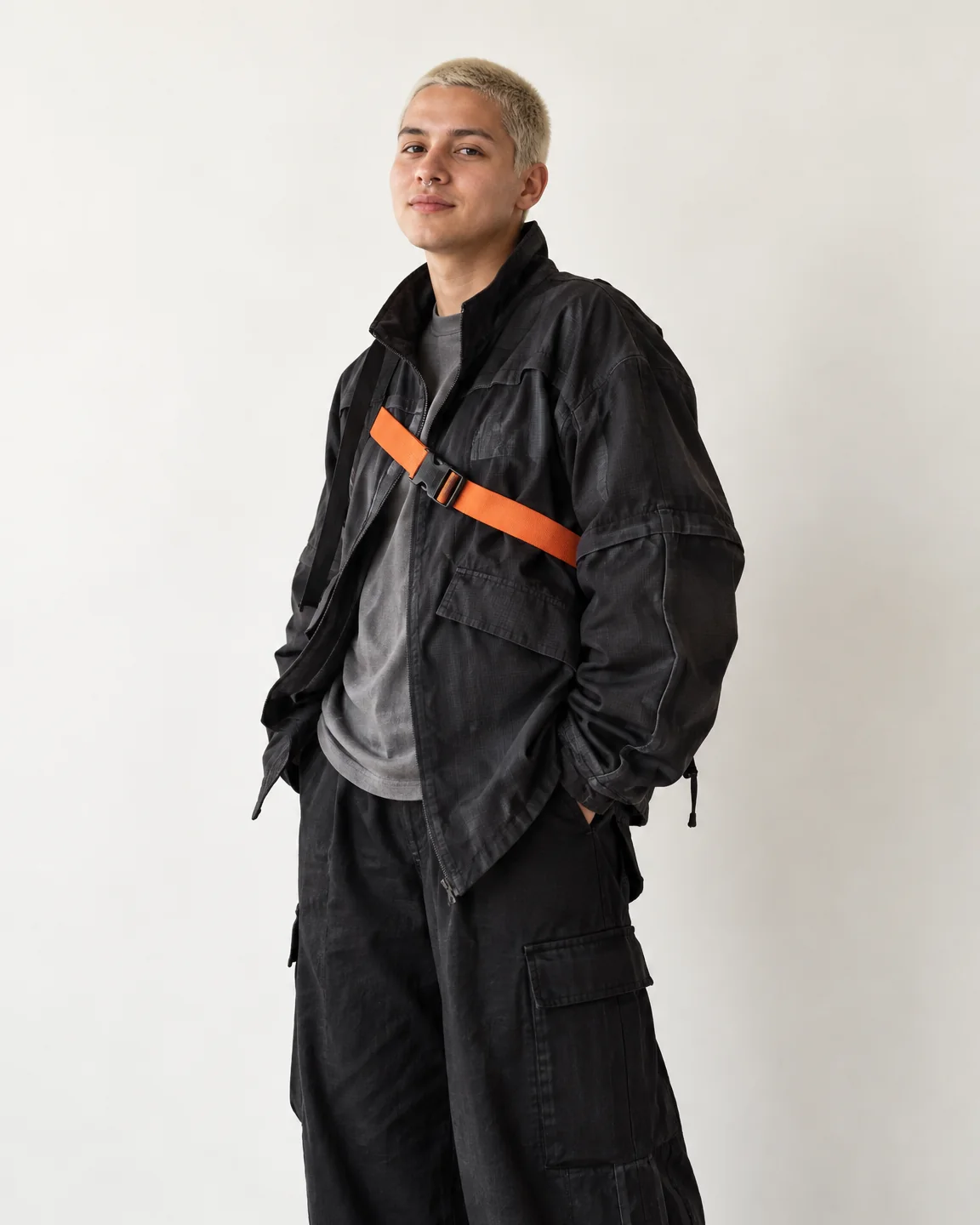 Río DelgadoAvant-garde utility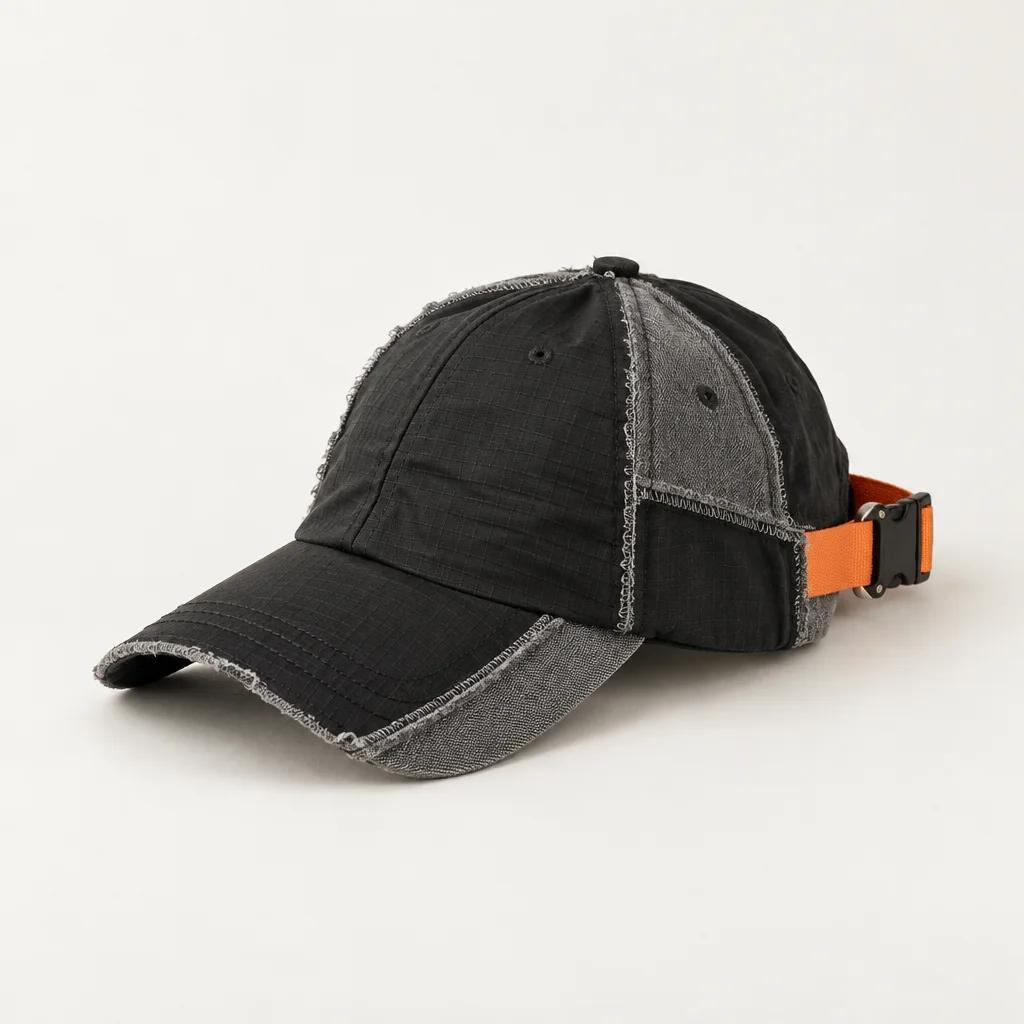
Each field gets the tools its makers actually use, down to the files the workshop needs.
Sketch to render
Your lines stay yours. Drag to compare.
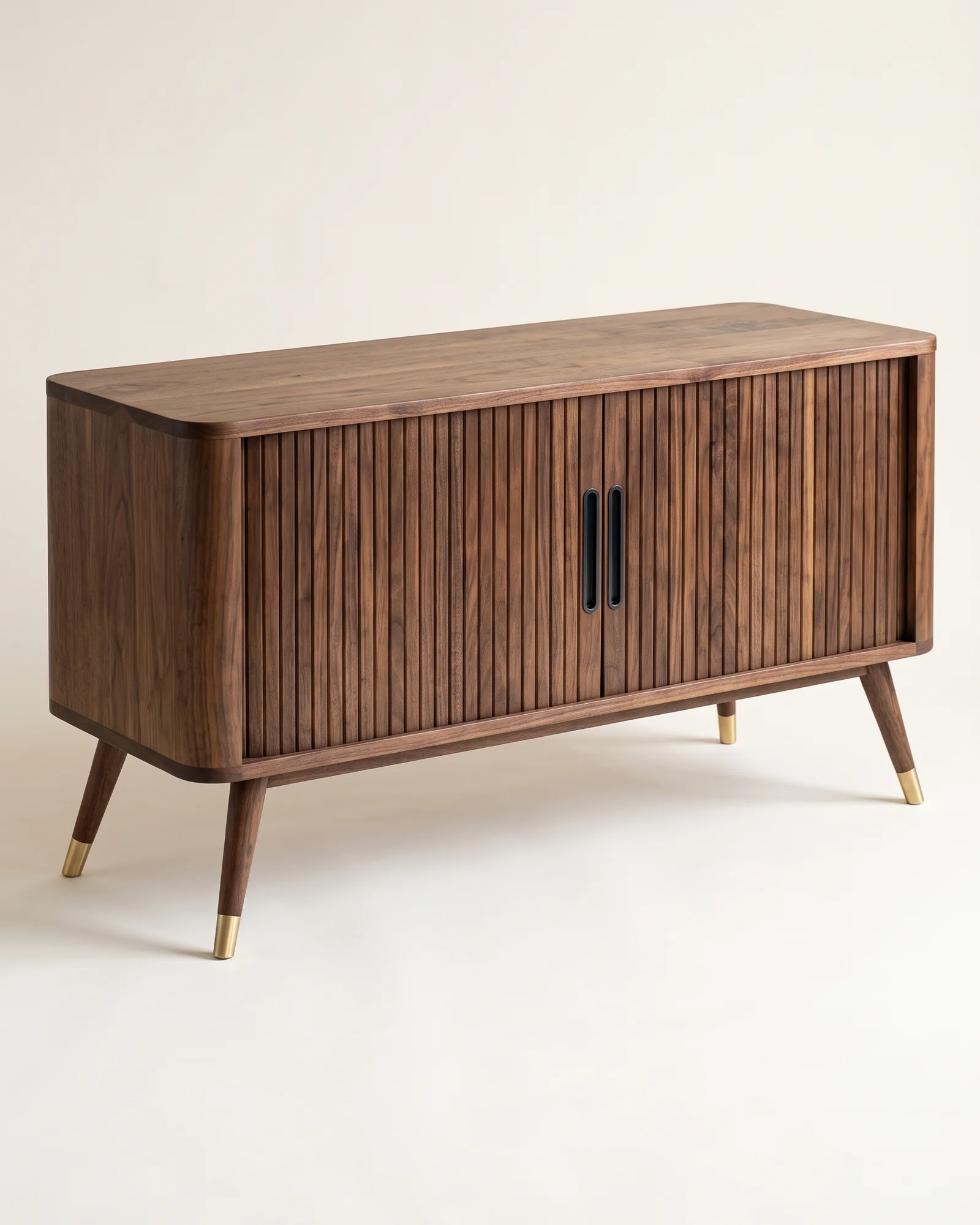
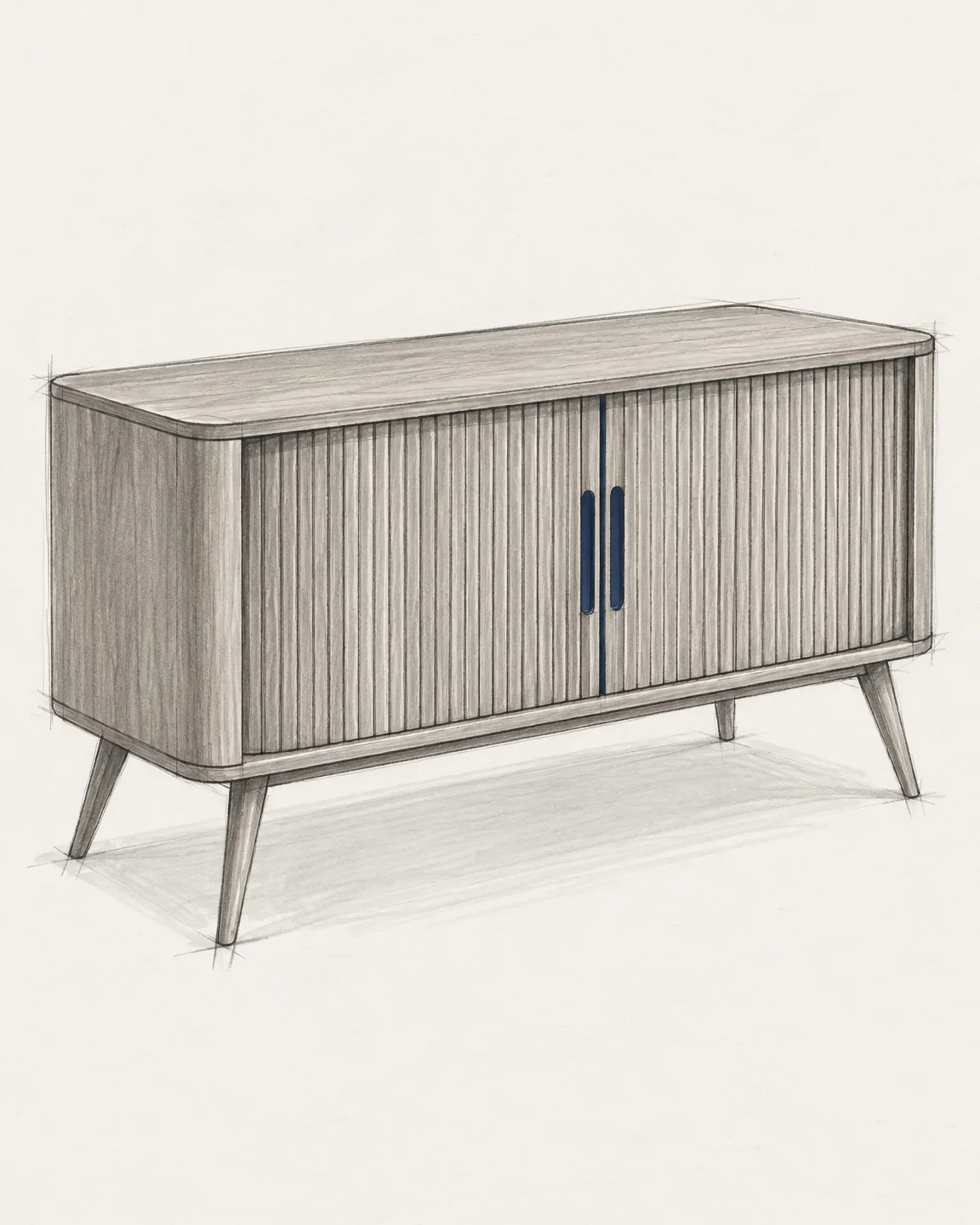
Sketch to render
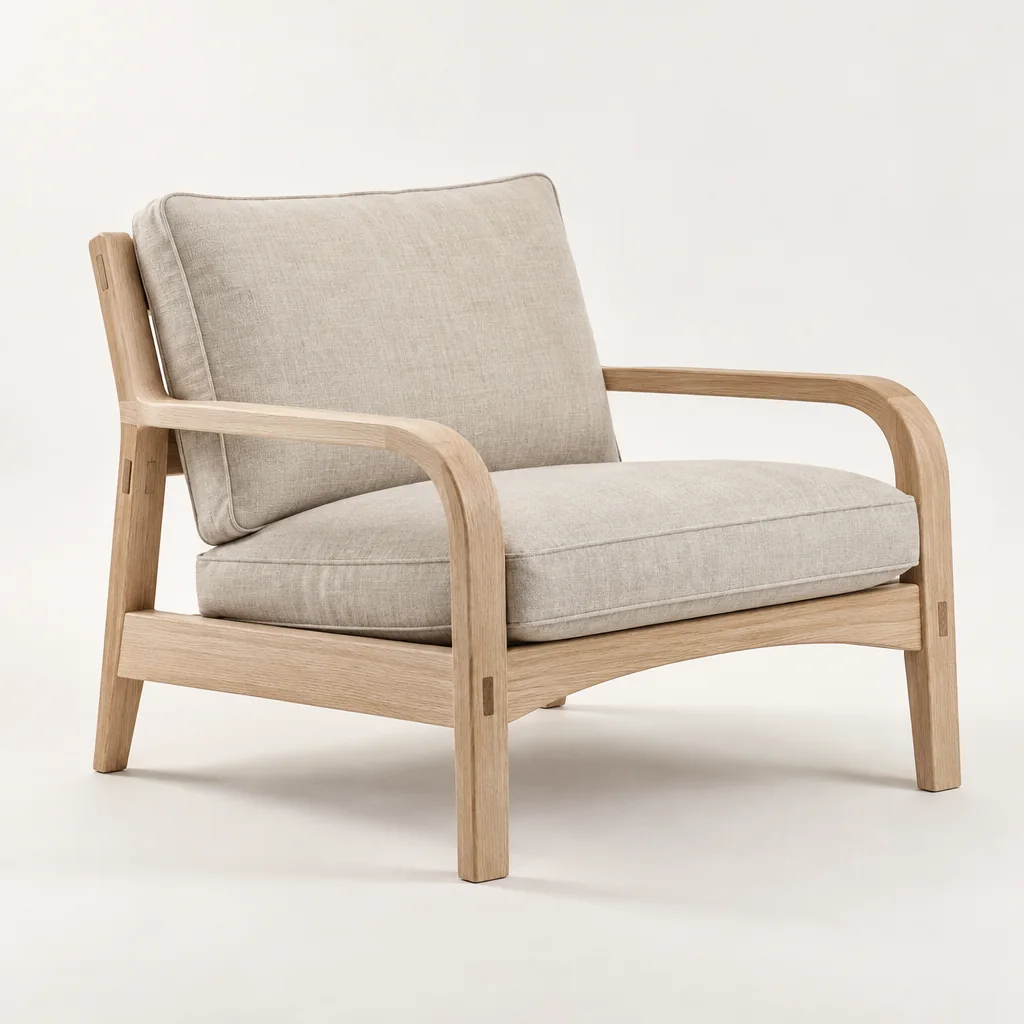
Point at the walnut to see the pencil beneath.
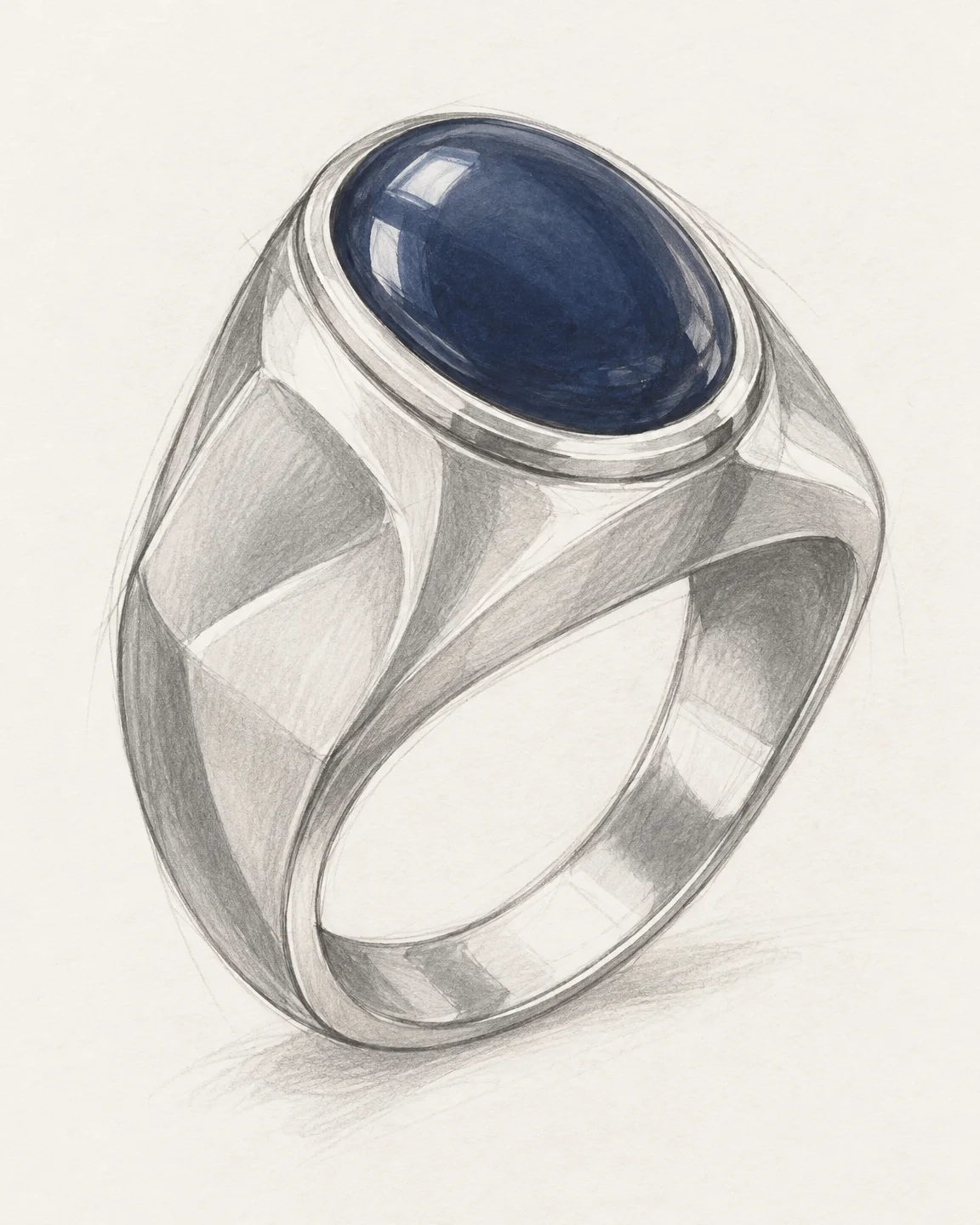
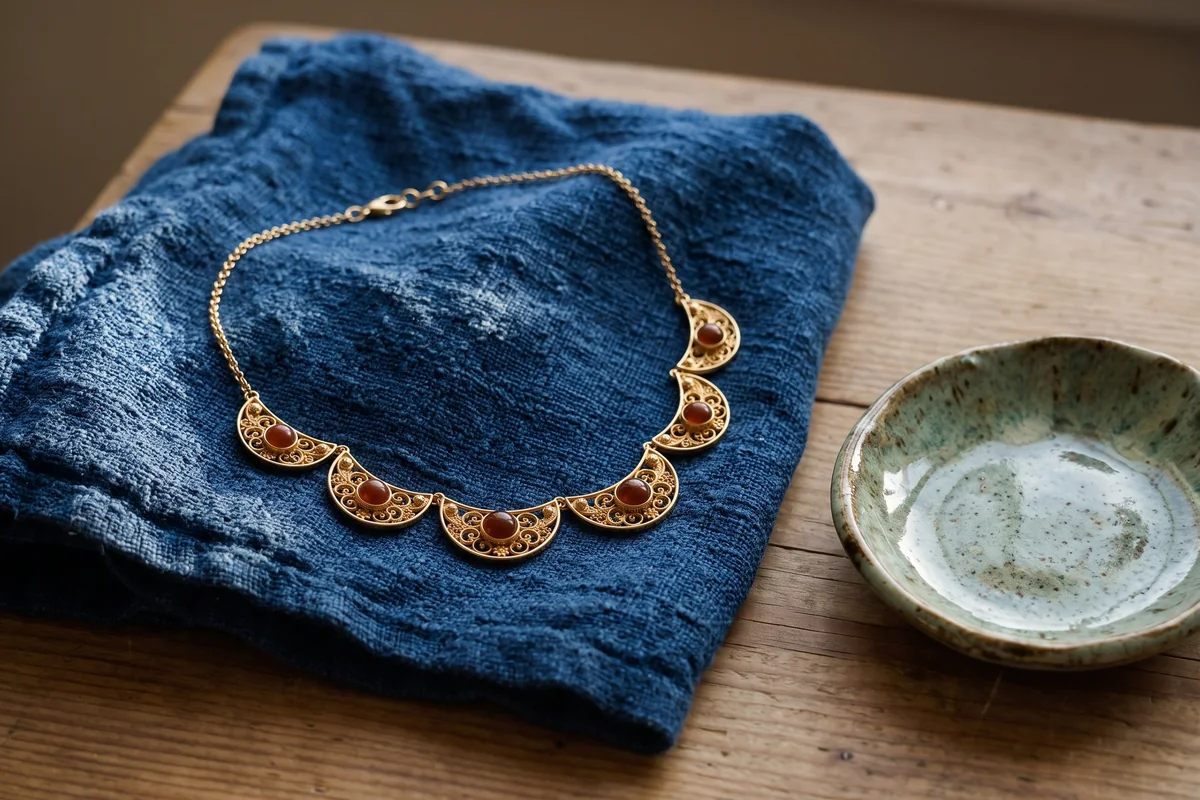
Pencil to metal
The setting, the stone and the shank, kept exactly.
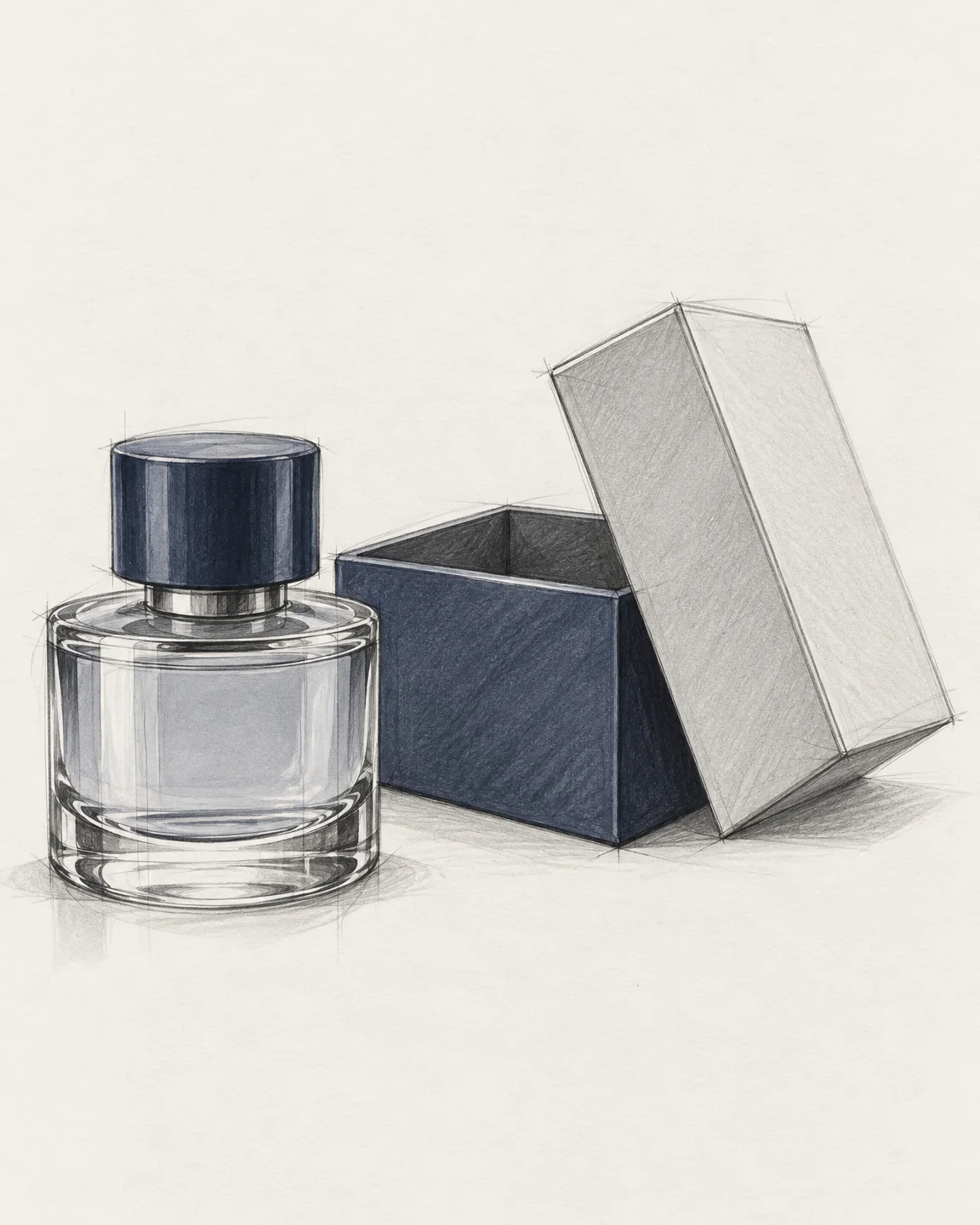
Dieline to box
The flat you print, folded into the box it becomes.
When you know exactly what you need, skip the conversation: pick a tool, add your image, run it.
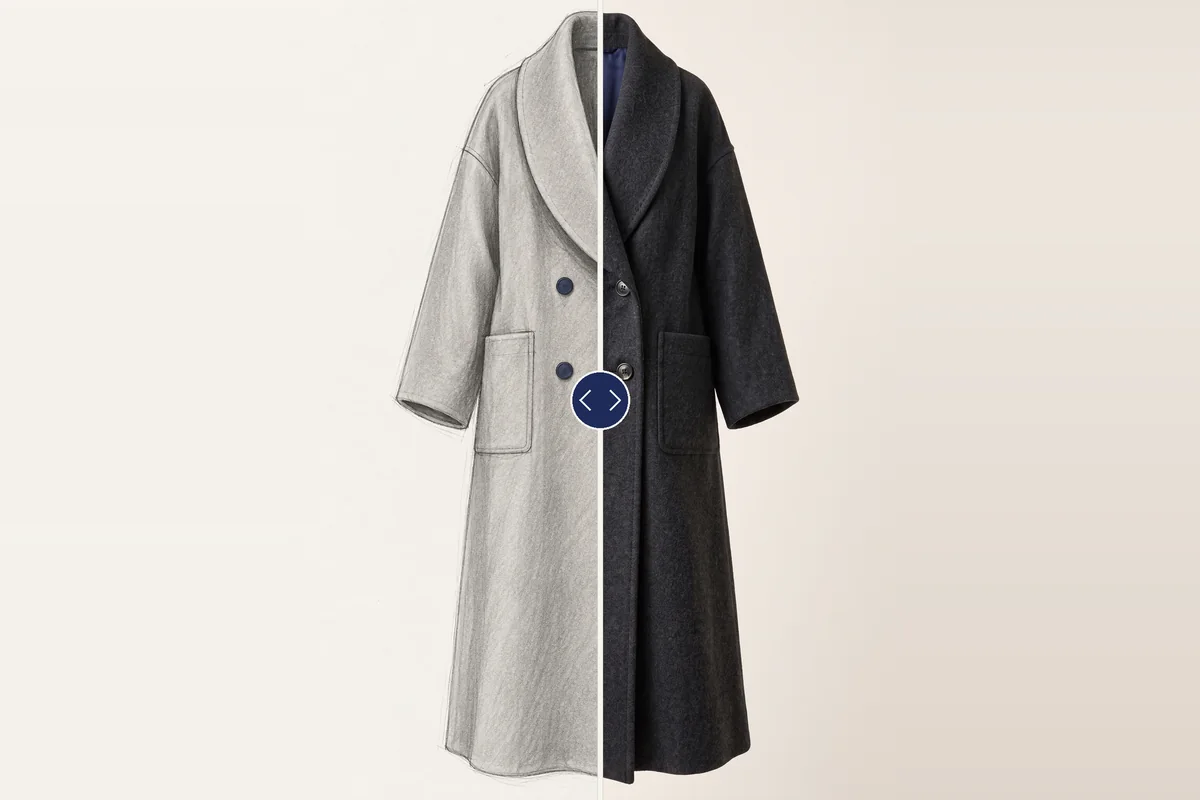
Concept
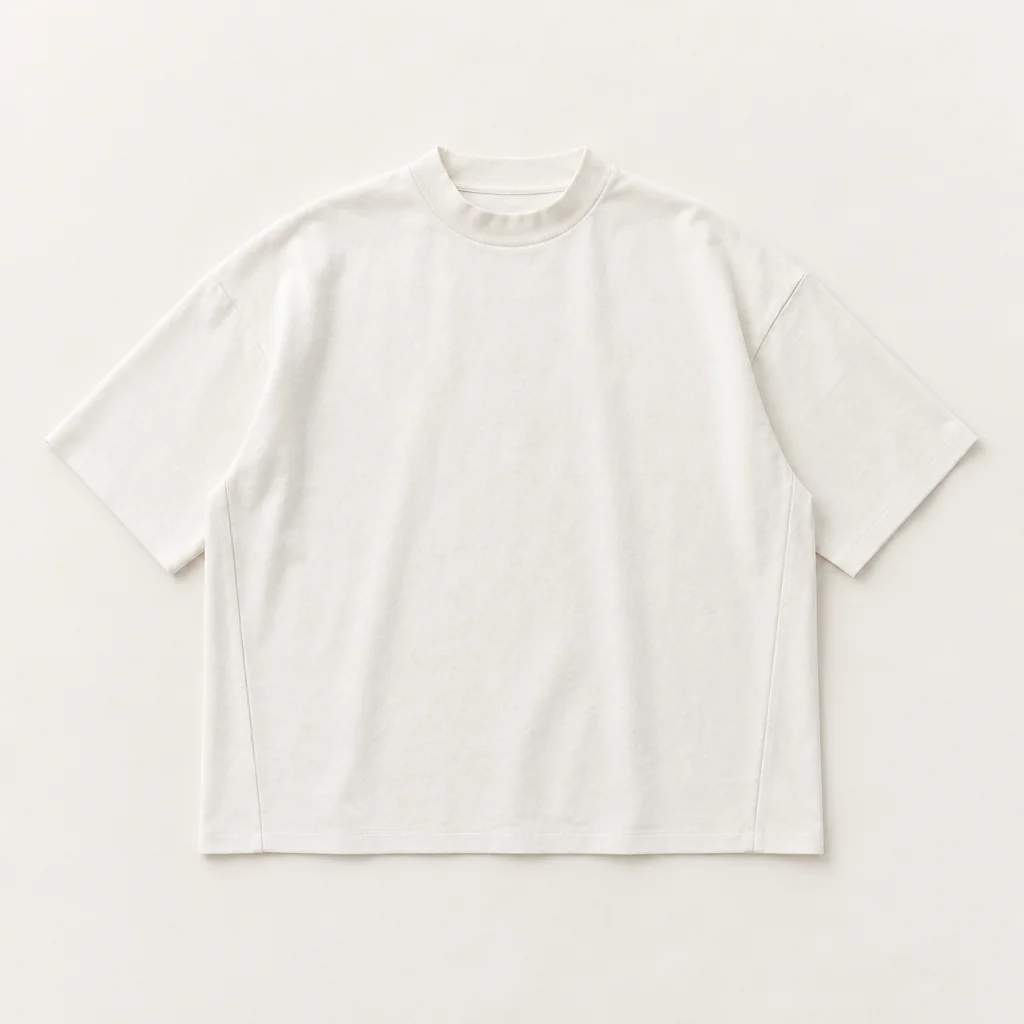
Your lines, kept, rendered in real materials.
Edit
A collar, a leg, a handle; the rest stays pixel for pixel.
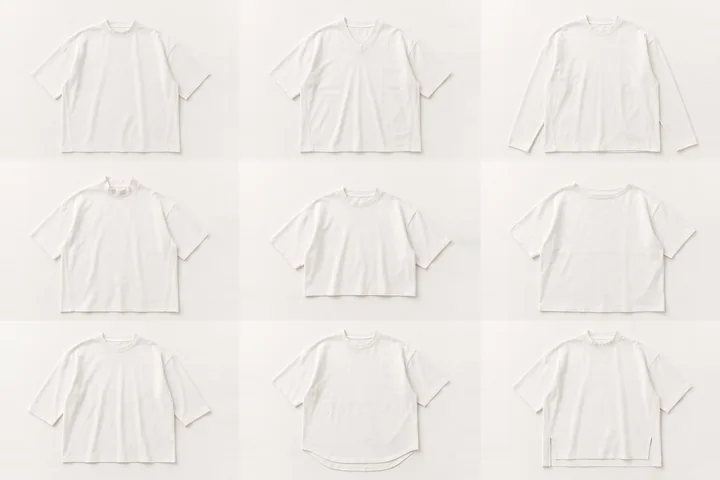
Concept
Nine directions in your hand from one sentence.
Edit
Your print onto the exact area, following the folds.
Edit
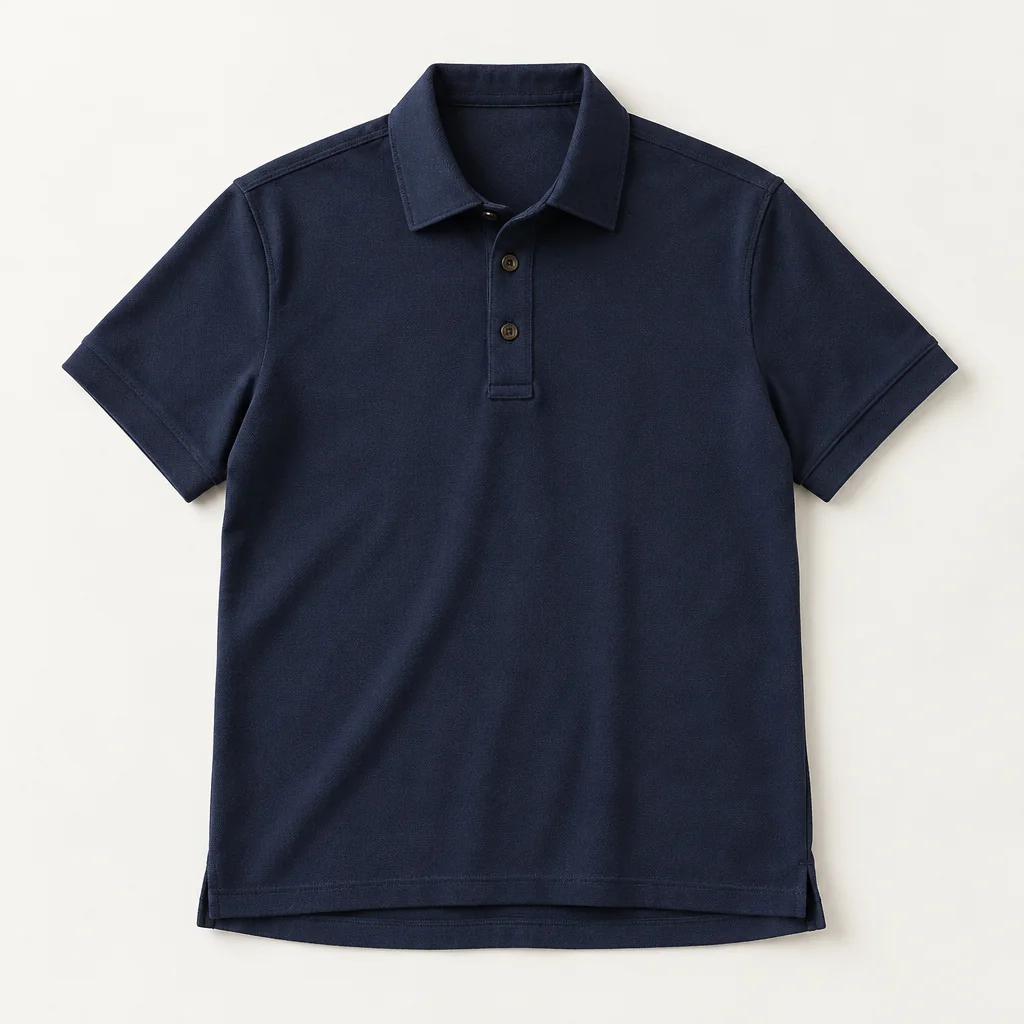
Buttons, zips, piping, only where you mark.
Studio
The hollow-form shot, without the shoot.
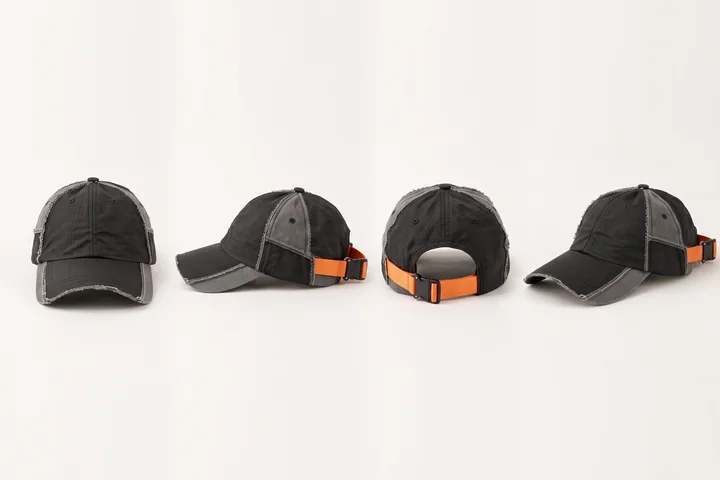
Studio
Front, back, sides and three-quarter, checked against each other.
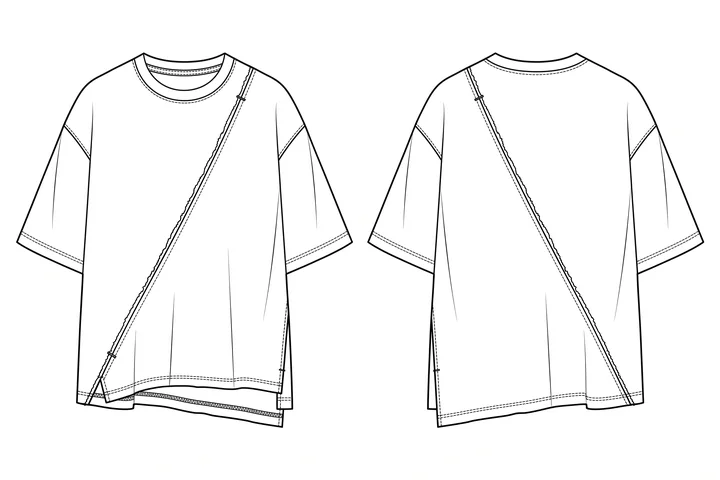
Technical
Clean front and back flats from a photo or sketch.
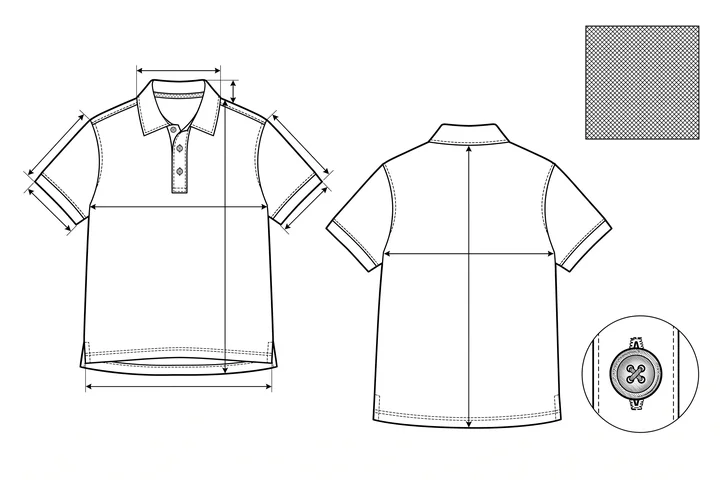
Technical
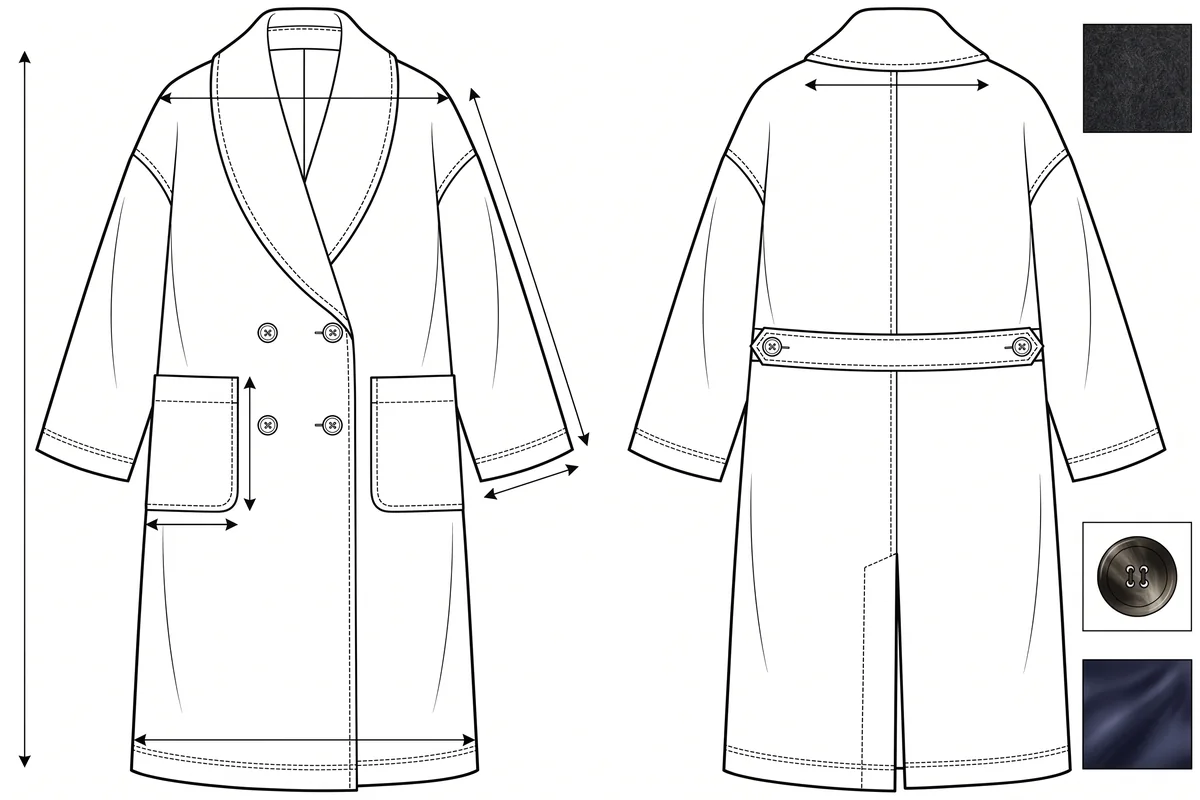
Flats, measurements, materials and notes for the factory.
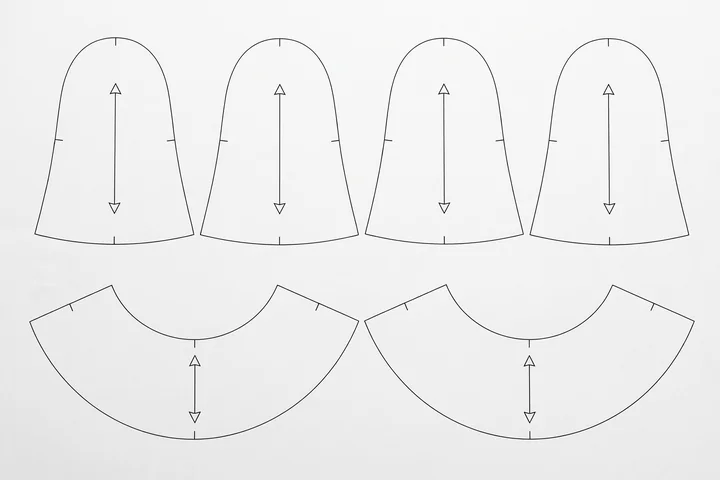
Technical
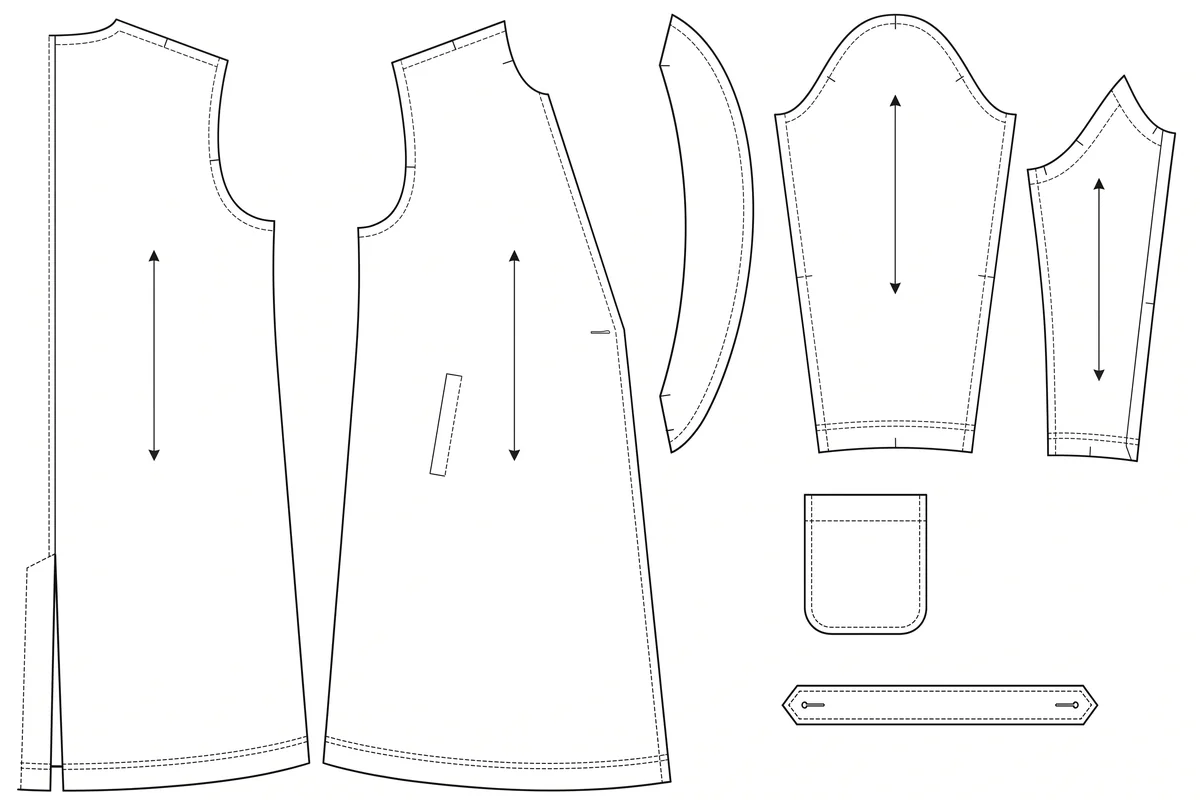
Pattern pieces for garments and caps.
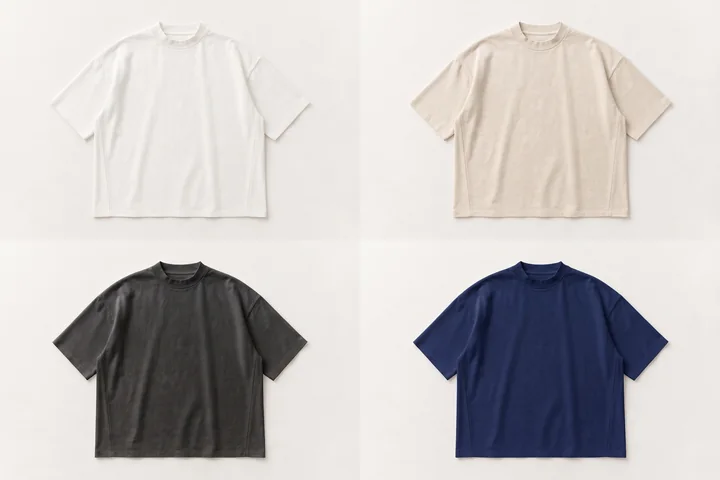
Batch
A whole colourway in one go.
Edit
One colour changed, texture kept.
Edit
Mark it; it is gone, the rest untouched.
Redrawing every view by hand.
Front, back and sides drawn for you, checked against each other.
AI that changes what you didn’t ask it to.
Mark the area. Only that changes, and Incip proves the rest stayed.
Three sample rounds to see it right.
See the fabric, the fit and the room before anything is cut.
Results that look like everyone else’s.
It learns your hand, so the work looks like you on day one.
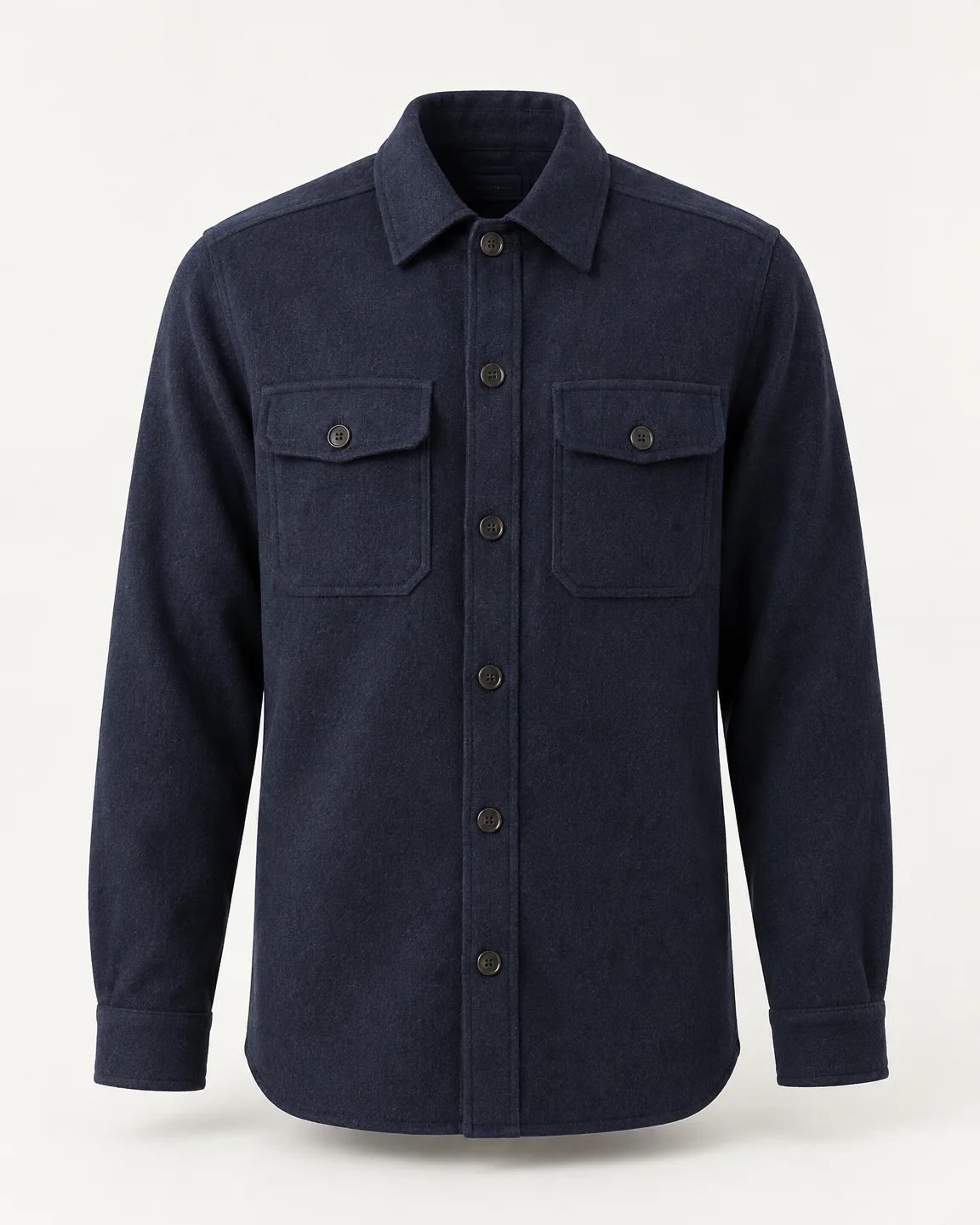
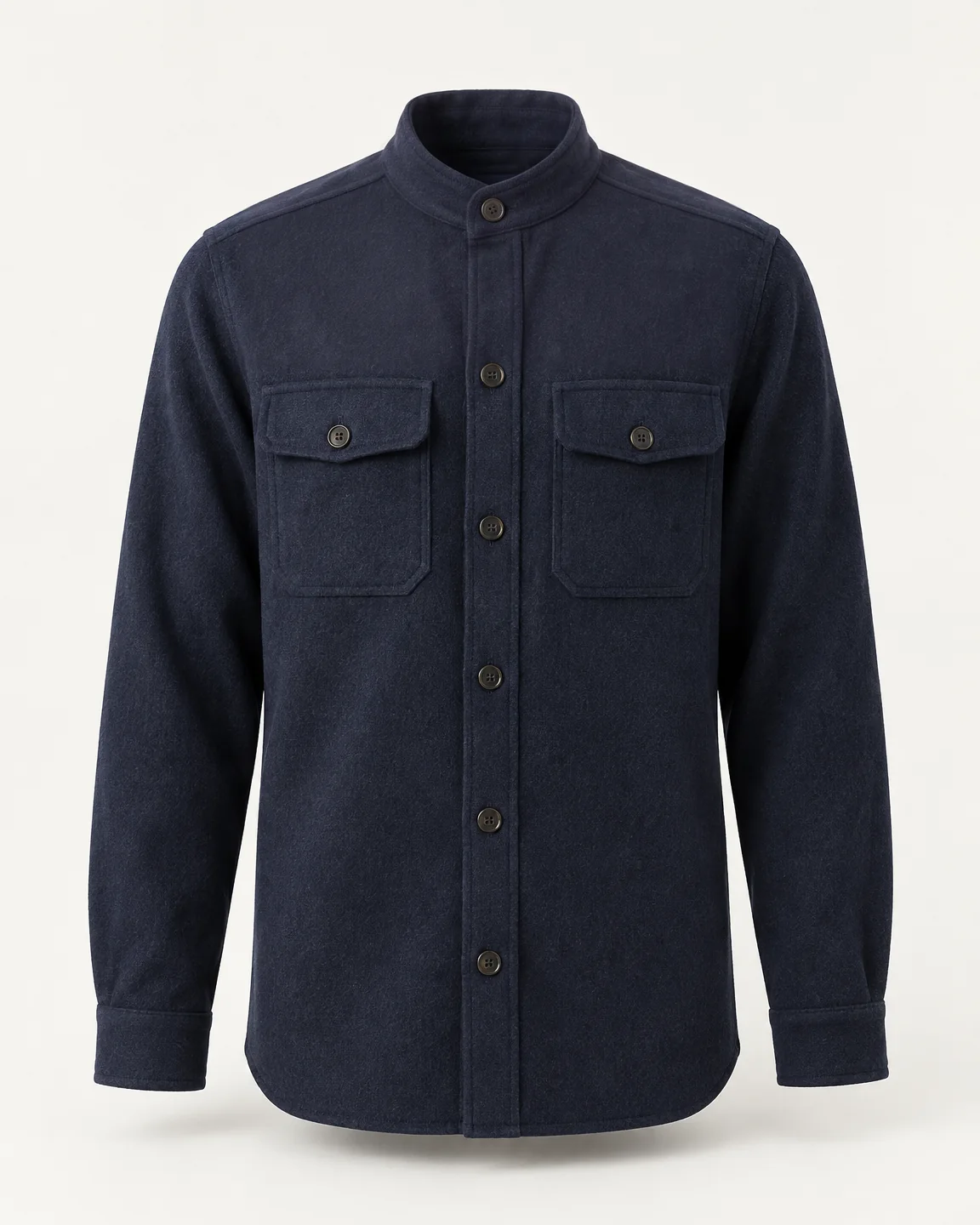
Ask for a new collar and you get a new collar. The fabric, the pockets, the light and the rest of the picture stay as they were, checked before you see it.
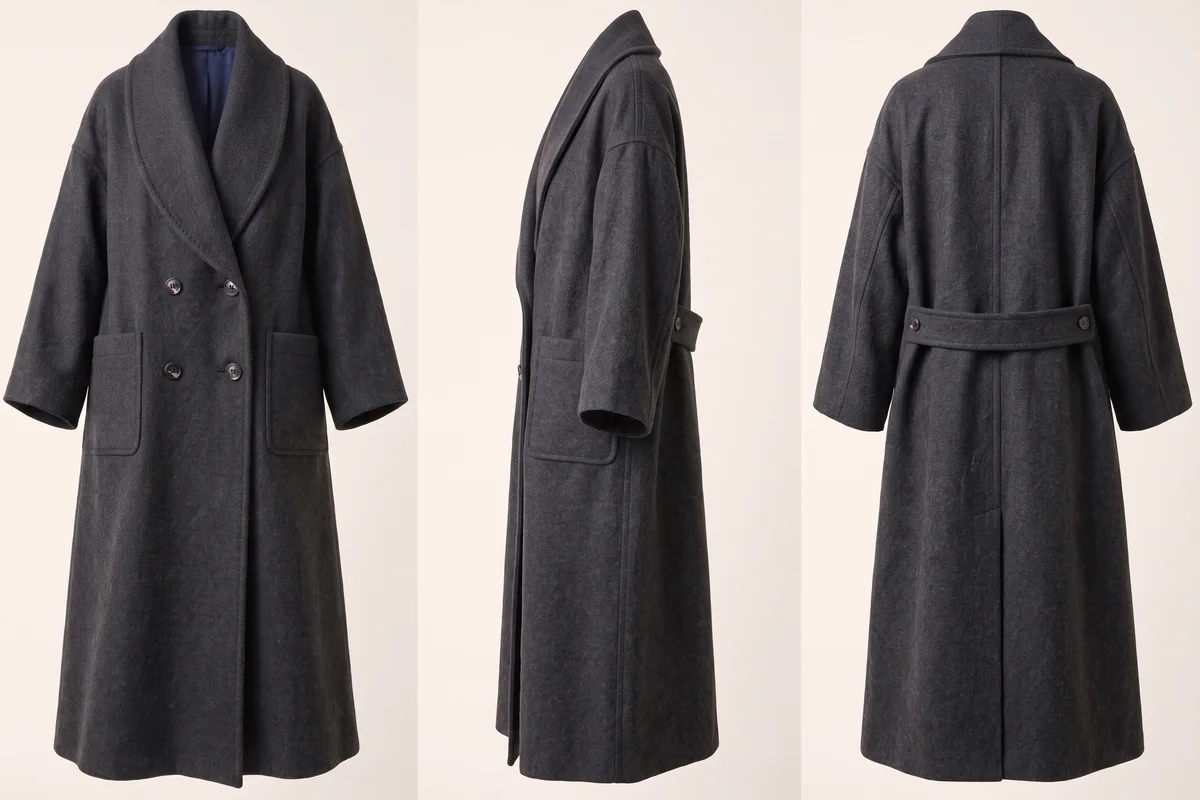
Before you see a side or back view, Incip checks it against the others: every panel, seam, strap and edge. A view that disagrees is redrawn, not handed to you.
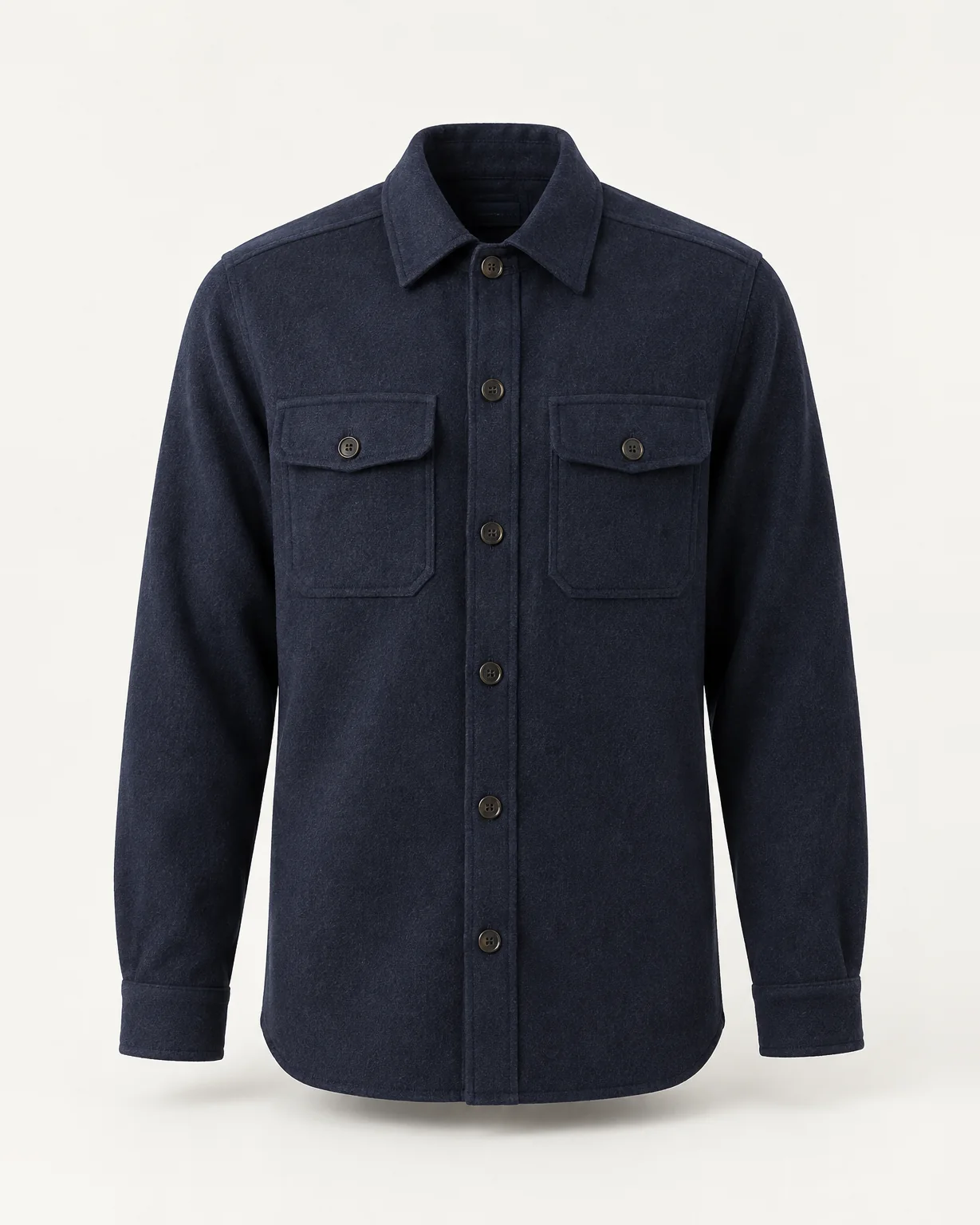
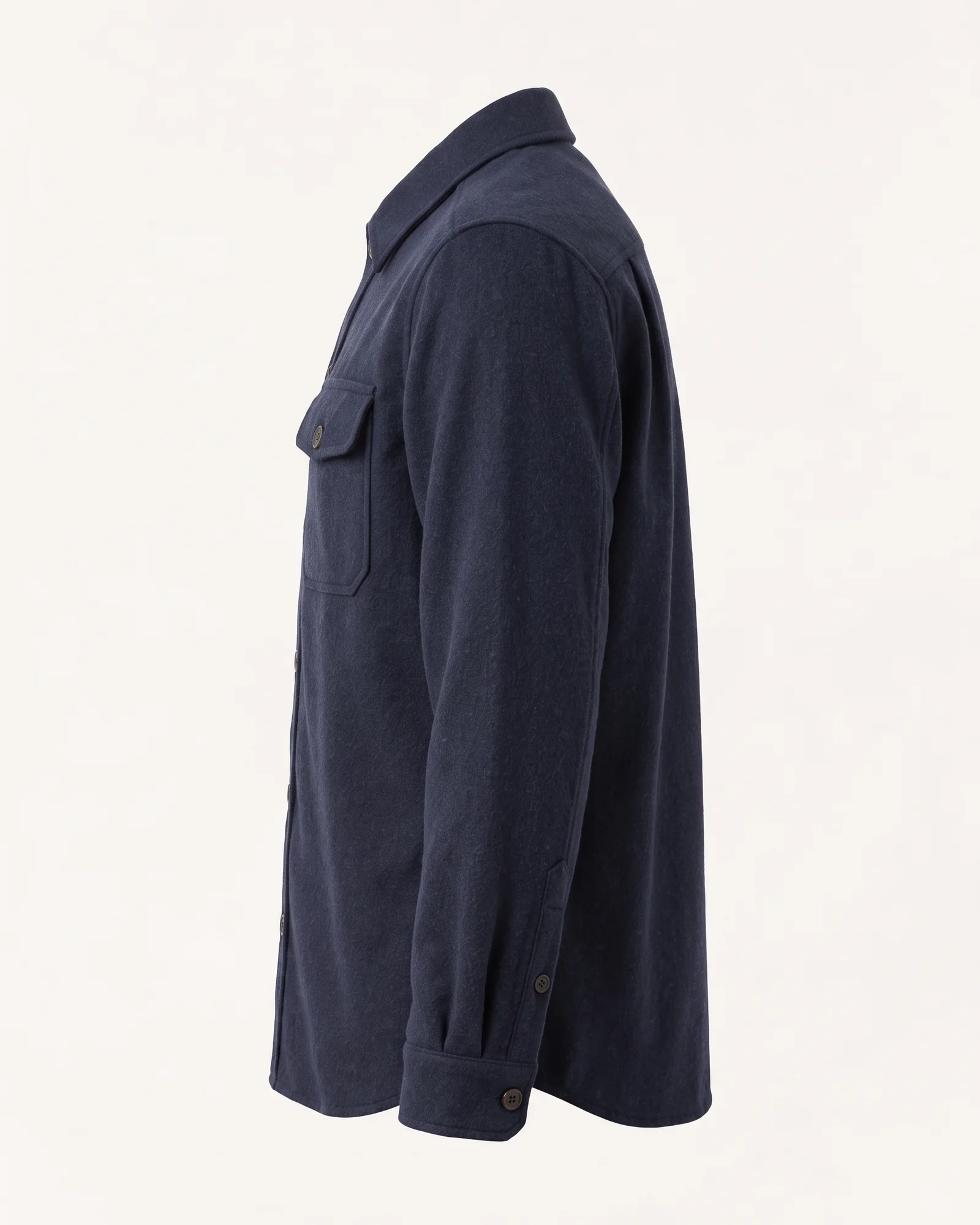
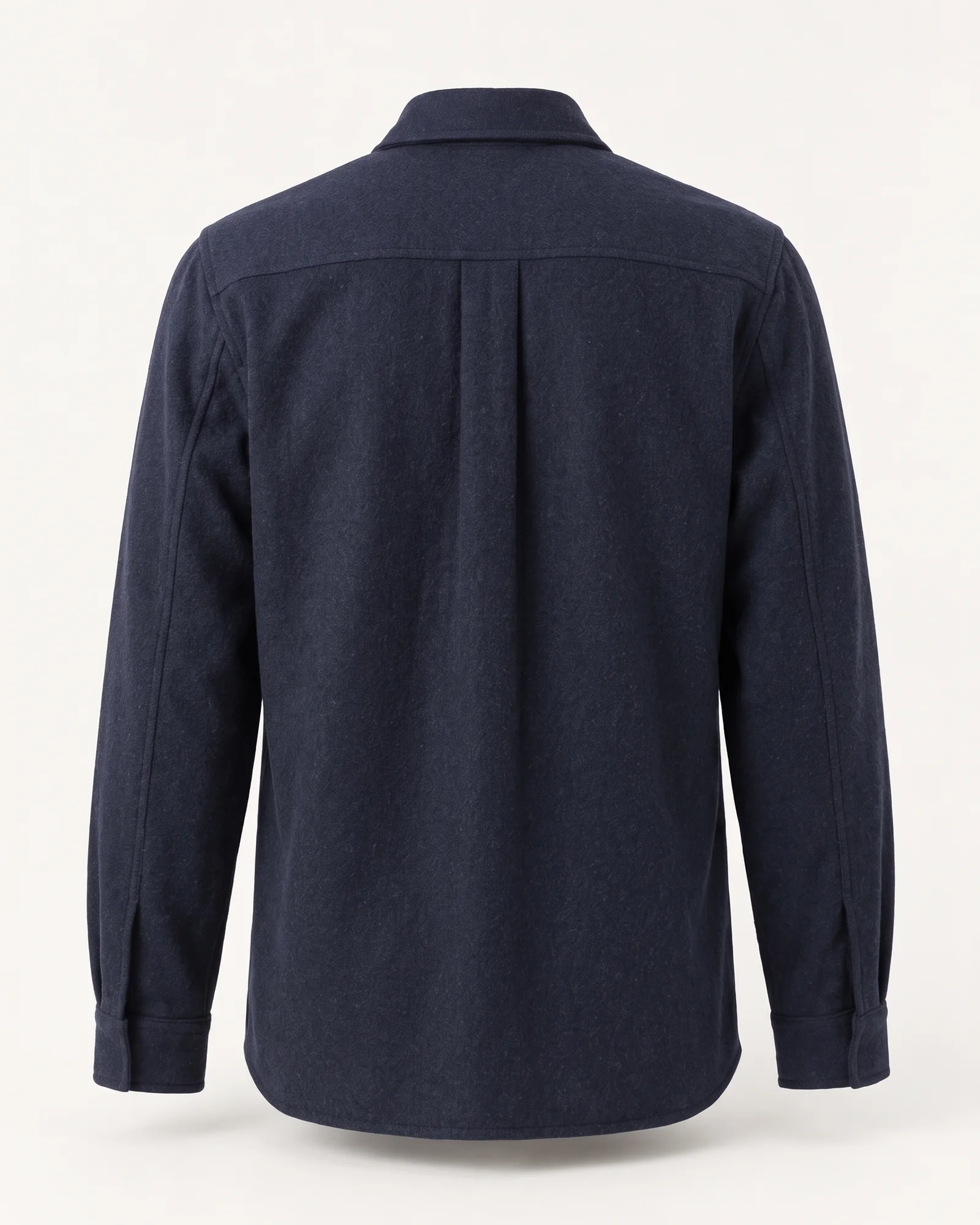
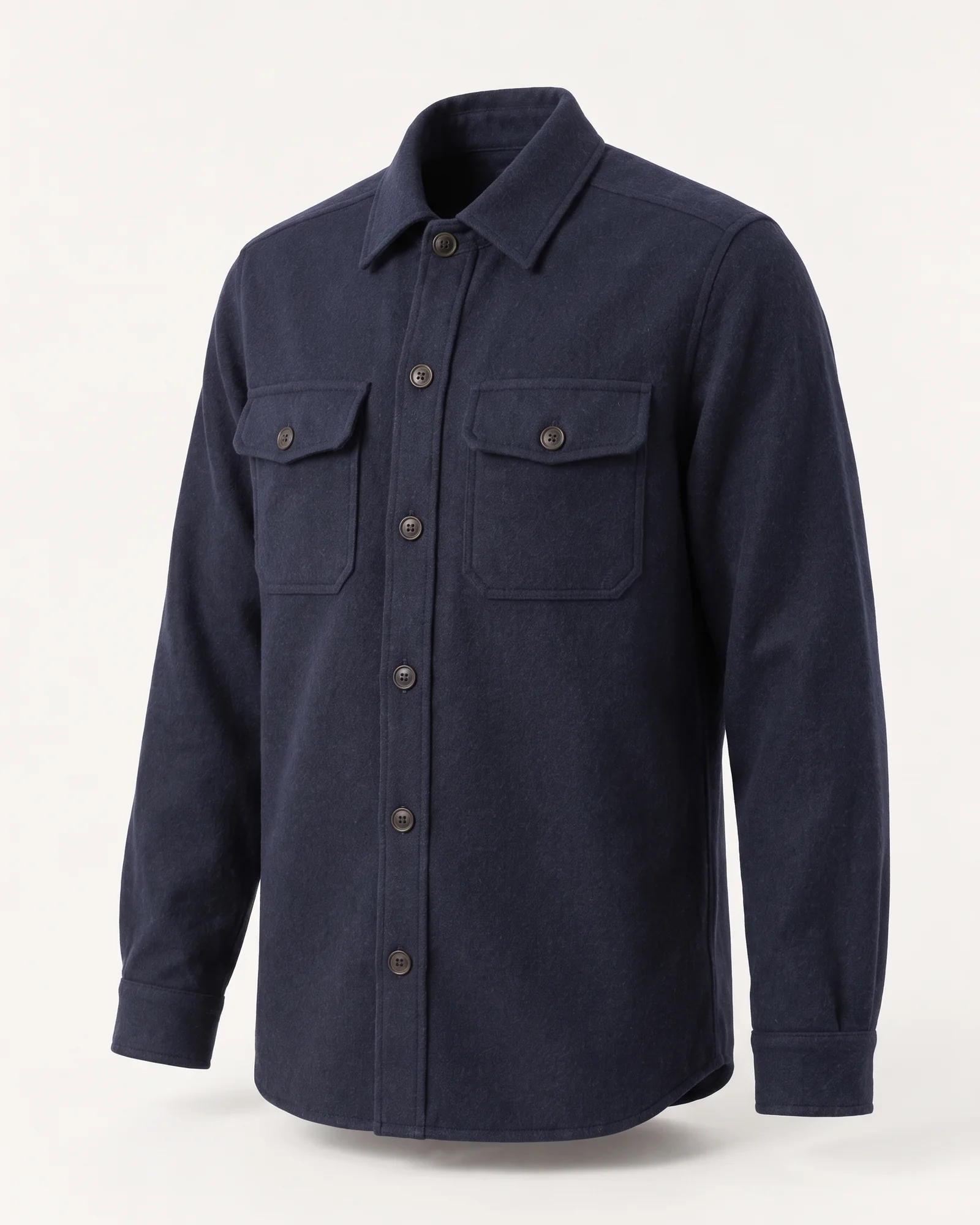
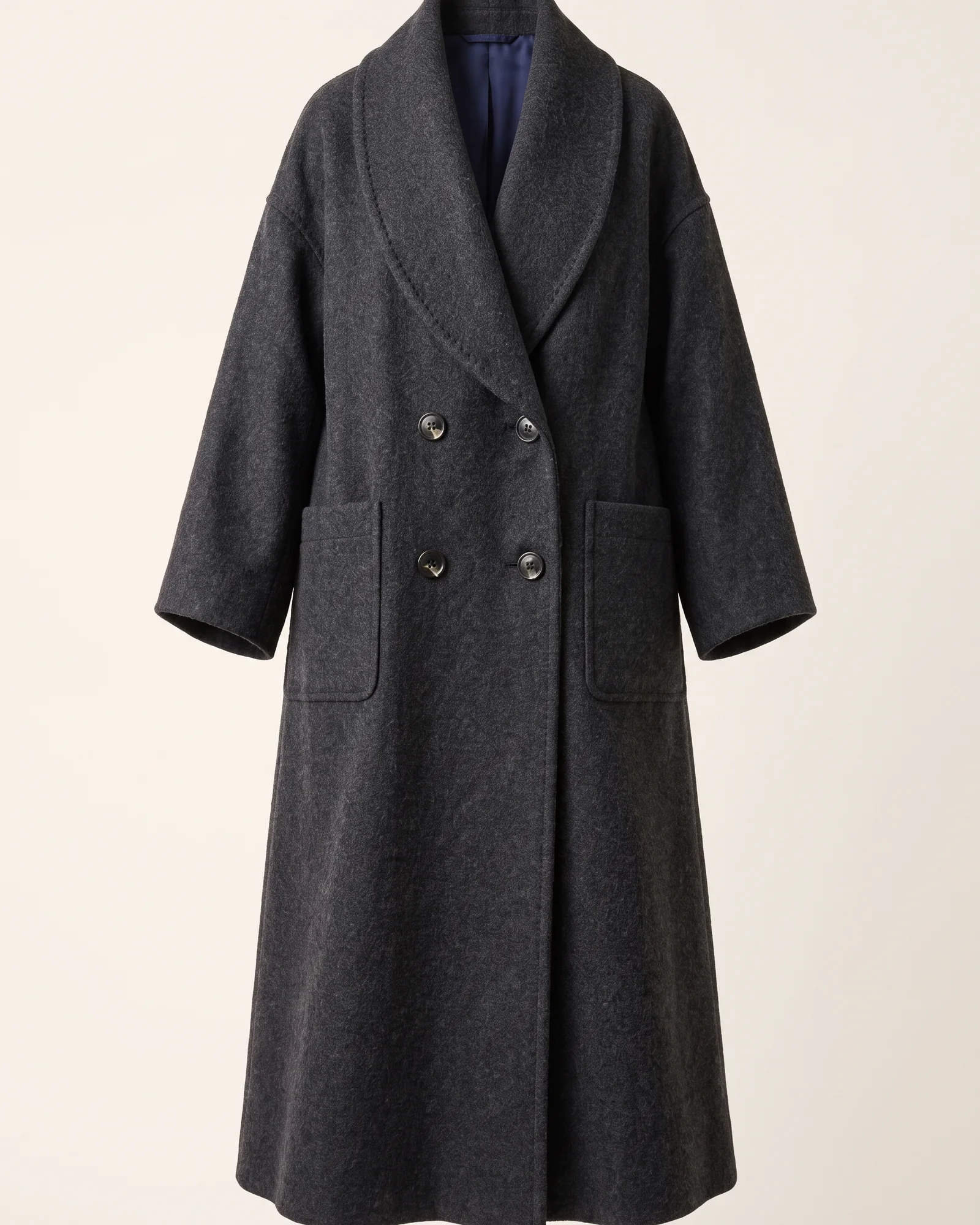
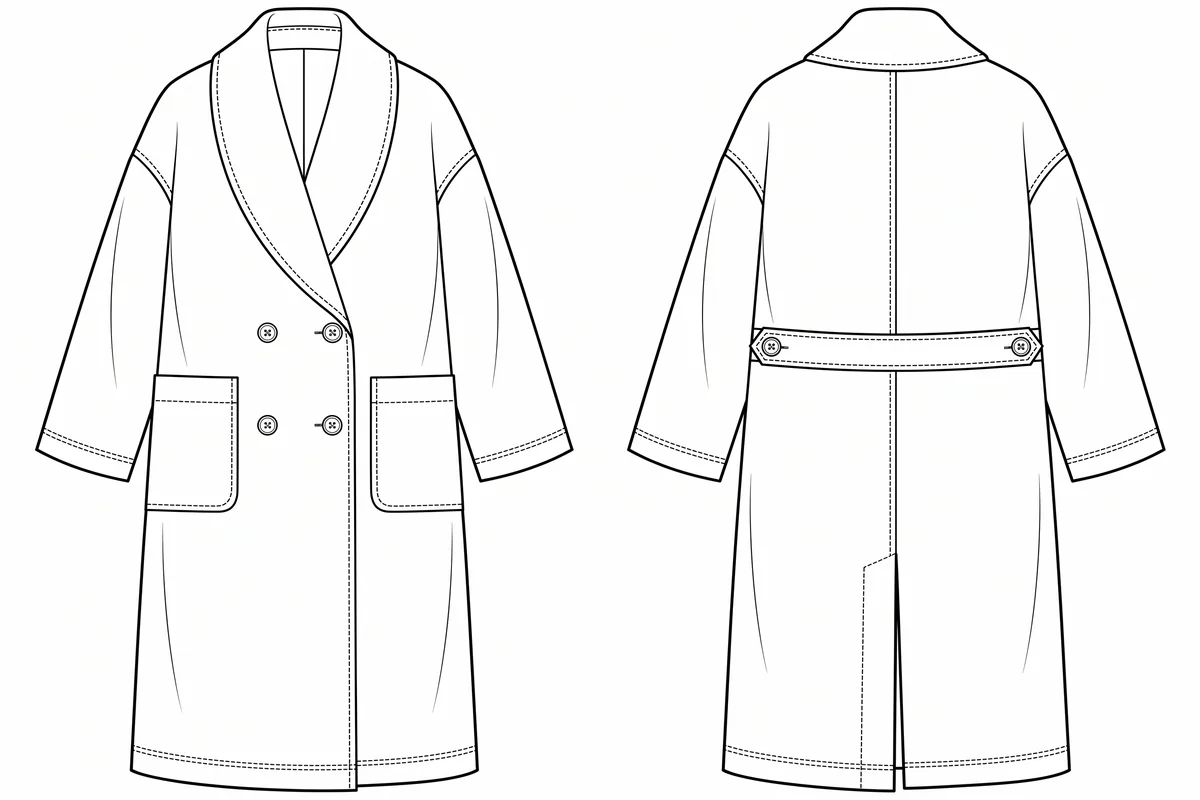
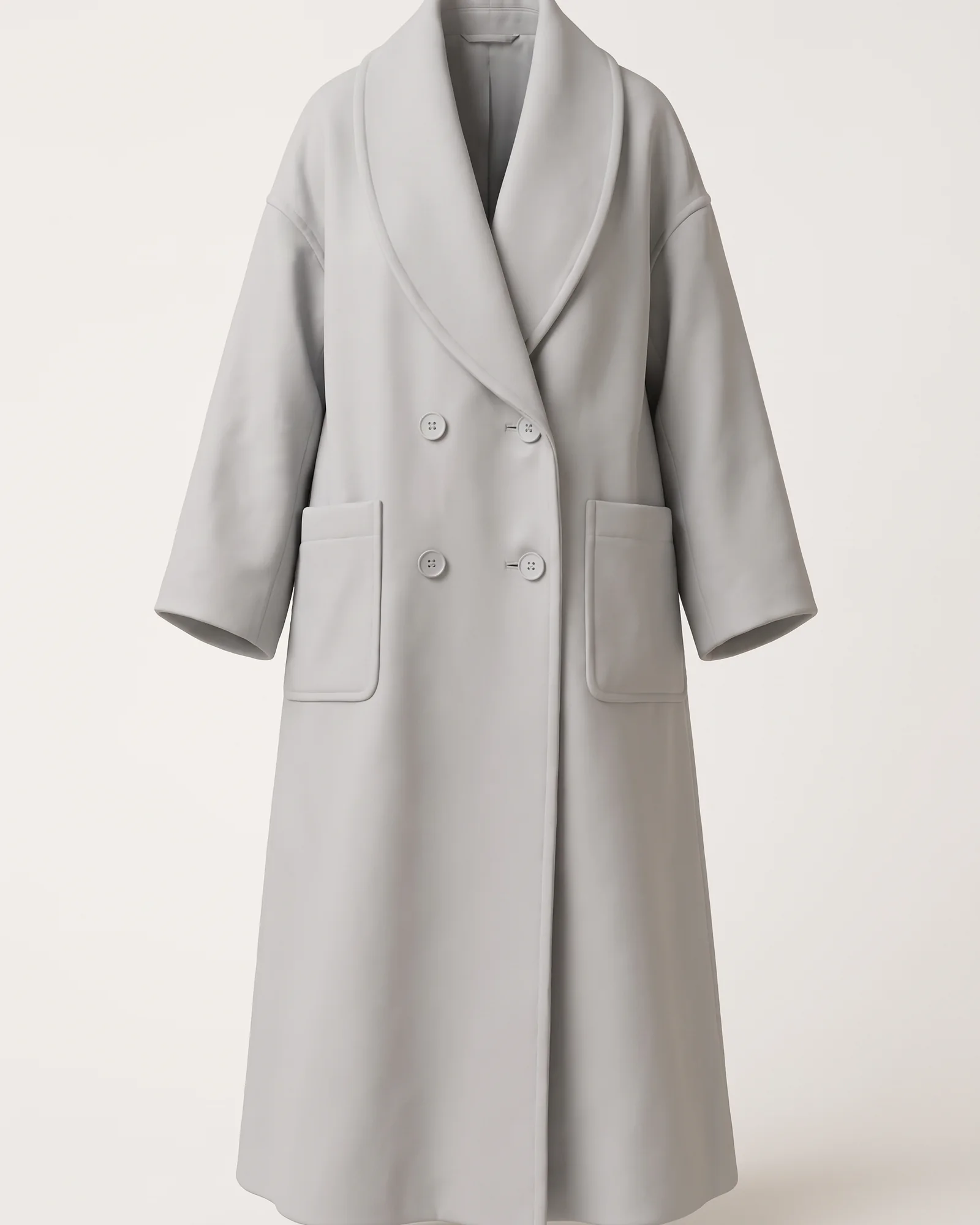
7 buttons down the front: the same in every view it appears in.
One coat, from the first sketch to the files a factory builds from, without starting again in another program.
A pencil sketch, a sentence or a photo of a sample.
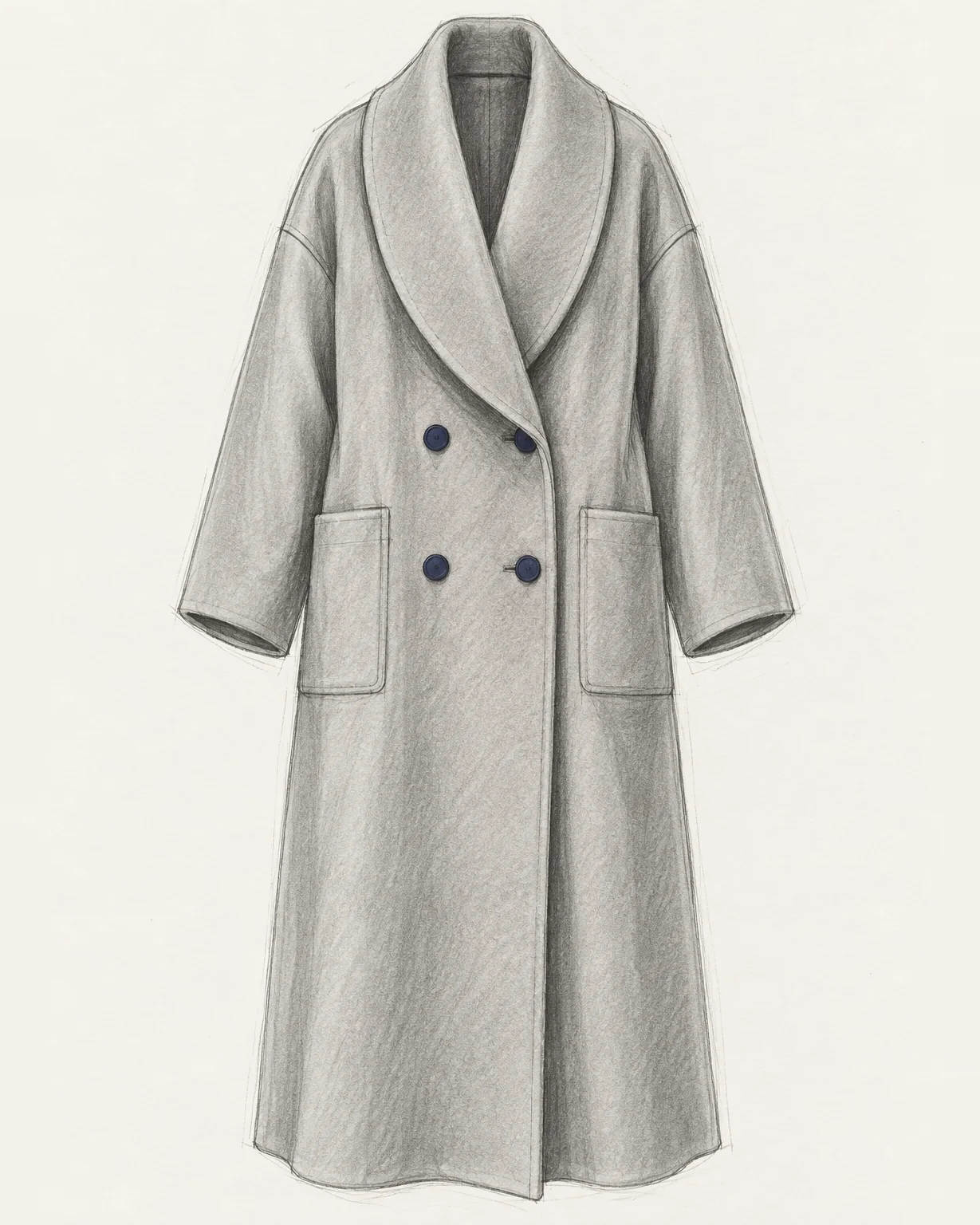
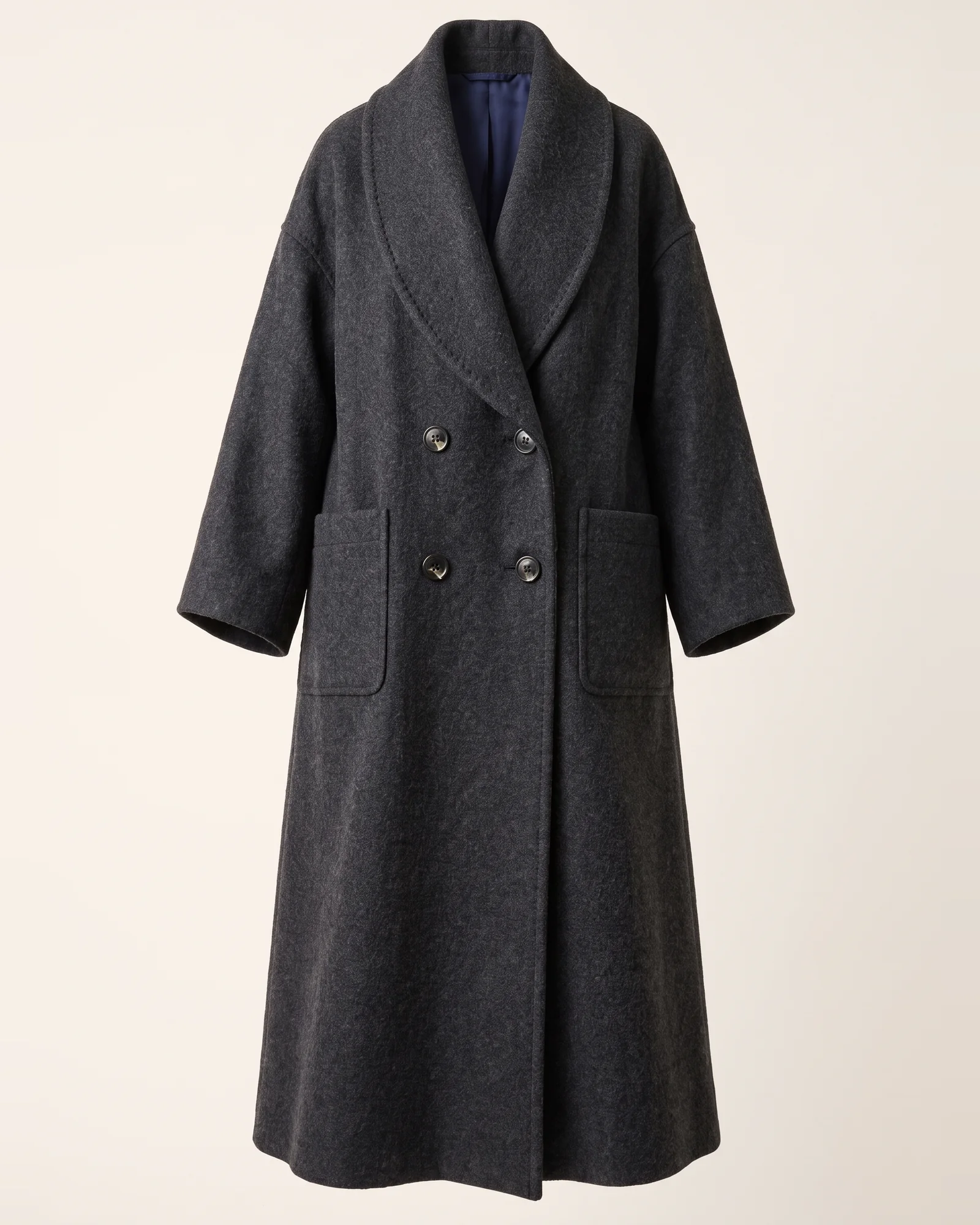
The same coat in real wool, true to your lines.
Front, side and back, checked against each other.
Clean front and back flats with every seam and button.
Measurements, materials and construction notes for the factory.
Pattern pieces with notches and grain lines.
A model to turn, place in a scene or send to a renderer.
The whole studio works in English, Chinese, Italian, French and Arabic.
What a head of design or a founder needs to say yes: clear seats, clear costs, and time back.
~5×
faster from idea to render
From a sentence or a sketch to a design you can show, the same afternoon.
~30%
less spent on samples
Fabric, fit and every view checked before the first sample is cut.
These are estimates.
Bring Incip to your studio.
Every plan has every tool. Plans differ in how much you make each month.
For trying it out or working lightly.
$29a month
1,000 credits a month
For a working designer, about an hour a day.
$59a month
2,250 credits a month
For heavy days in the studio.
$129a month
5,600 credits a month
For full days, heavy 3D, video and finals.
$249a month
11,500 credits a month
For brands and studios with many designers.
Contact us
Extra credits 500 for $29 on any plan. They never expire.
Plan credits Renew each billing month and do not roll over.
Beta Incip is invite-only during the beta. There is no free tier. Have a code? Enter the panel
No. Incip learns from your own pieces, choices and edits, so results move towards your hand. It does not imitate a named designer or brand.
You do, including for commercial use, within the Terms. Your uploads stay yours too.
No. What Incip learns about your taste is used only for you and never shapes another designer’s results.
Yes. Incip makes the files a workshop needs: tech packs, flats, patterns, real-size DXF drawings, parts lists and 3D models.
Most AI tools make a striking image from a prompt and start from zero every time. Incip learns how you design, changes only what you mark, keeps every view consistent and carries the design through to factory files.
No. You mark the area, only that area changes, and Incip checks the rest stayed as it was before showing you.
PNG and JPEG up to 4K, editable SVG, real-size DXF, PDF tech packs and parts lists, GLB and USDZ 3D models, and MP4 clips.
Actions use credits, and different actions use different amounts. Credits are taken after an action completes, and a failed generation gives them back. Plan credits renew monthly and do not roll over. Extra credits never expire.
Yes, from Billing. Your plan keeps working to the end of the period you paid for.
There is no free tier. During the beta you join with an invite, which can come with credits to start.
Fashion, furniture, jewellery, brand, packaging, product and interior design, each with its own tools.
English, Simplified Chinese, Italian, French and Arabic, right to left. Talk to Incip in any of them.
Yes. One owner buys seats on one plan and assigns them; members never pay for their own seat. Shared libraries and approvals arrive after the beta.
Export your work at any time. When you delete your account, your designs and taste profile are deleted with it. Write to privacy@incip.app for help.